InboxToDrive





What is InboxToDrive?
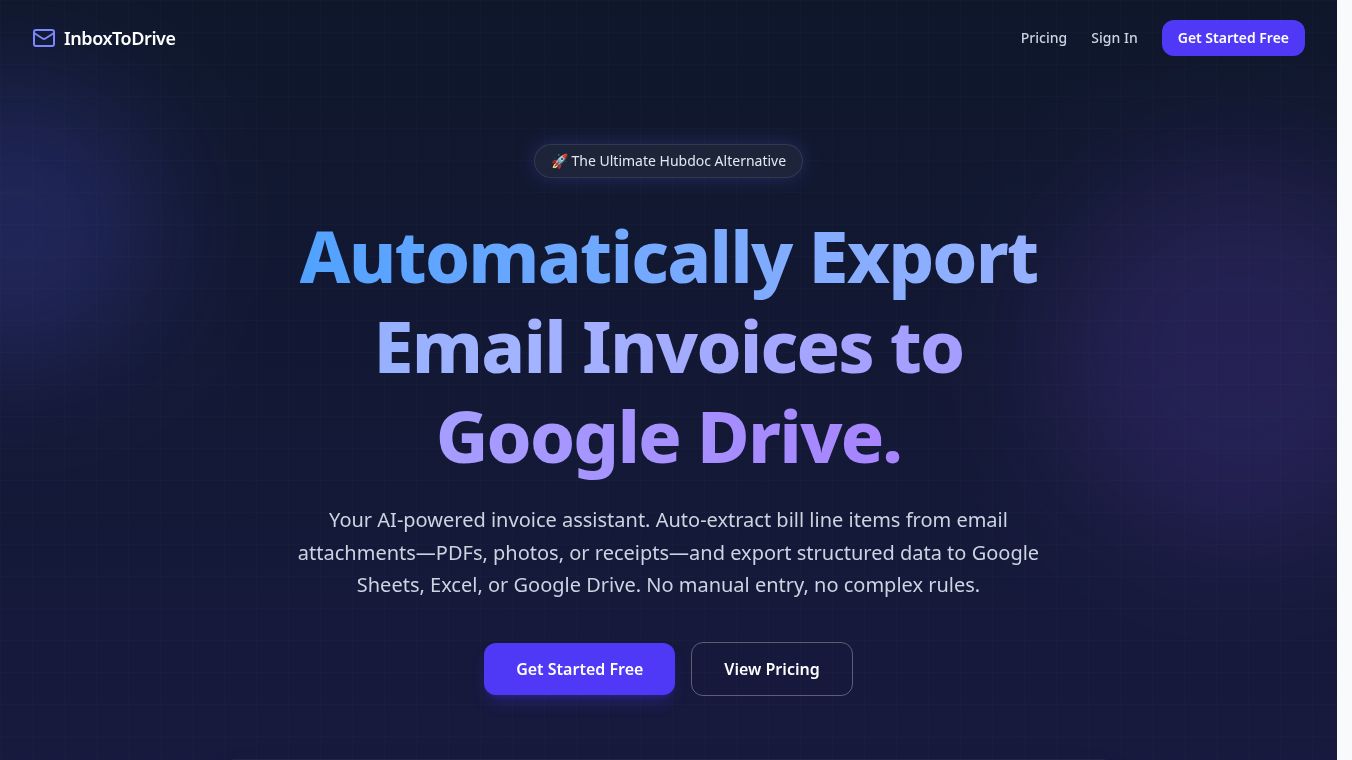
InboxToDrive is a web-based tool designed to help users move files from their email inbox directly to Google Drive. It acts as a bridge between email and cloud storage, allowing people to save attachments without needing to download them to their computer first. The service works by letting users select specific emails or entire folders and then transferring the attached files to a chosen Google Drive folder with just a few clicks.
Benefits
The main advantage of InboxToDrive is that it saves time and reduces clutter. Users do not have to manually download every file they need and then upload it again to the cloud. This process can be slow and tedious, especially when dealing with many files. InboxToDrive automates this workflow, making it much faster. It also helps keep email inboxes clean by removing attachments after they are moved to Drive. This feature is useful for people who want to organize their digital life more efficiently.
Another benefit is the ability to handle large batches of files at once. Instead of processing one email at a time, users can select multiple emails and move all their attachments in a single action. This is particularly helpful for professionals who receive many documents daily and need to archive them quickly.
Use Cases
This tool is ideal for anyone who manages a lot of email attachments. For example, a salesperson might receive many product brochures and contracts via email. They can use InboxToDrive to move all these files to a shared Drive folder for their team to access. This ensures everyone has the latest versions without confusion.
Students and researchers can also benefit from this service. When they receive lecture slides or research papers via email, they can instantly save them to their Drive for easy study later. It removes the need to constantly check their desktop for downloaded files.
Freelancers and small business owners often use this tool to organize client deliverables. By moving project files from email to a dedicated Drive folder, they can keep their work organized and ready for future reference. It also helps in maintaining a clear record of all communications related to specific projects.
Pricing
InboxToDrive offers a free plan that allows users to transfer up to 100 files per month. This is suitable for individuals with light usage needs. For users who require more capacity, there is a paid plan available. The paid option costs $9.99 per month and allows for the transfer of up to 10,000 files. This tier is designed for power users, businesses, or anyone who deals with a high volume of email attachments regularly.
Vibes
Users generally appreciate the simplicity of the tool. Many reviews highlight how easy it is to set up and use. People often mention that it solves a common frustration with managing email attachments. Some users note that the interface is clean and intuitive, making it accessible even for those who are not tech-savvy. The ability to filter emails by date or sender is also a feature that receives positive feedback, as it helps users find the right files quickly.
Additional Information
InboxToDrive is a web application that runs in the browser, meaning users do not need to install any software on their devices. It integrates directly with Google Drive, so files are stored securely in the user's existing account. The service focuses on privacy and security, ensuring that file transfers are handled safely. While specific funding details or major partnerships are not widely publicized, the tool has gained traction among users looking for efficient email management solutions.
This content is either user submitted or generated using AI technology (including, but not limited to, Google Gemini API, Llama, Grok, and Mistral), based on automated research and analysis of public data sources from search engines like DuckDuckGo, Google Search, and SearXNG, and directly from the tool's own website and with minimal to no human editing/review. THEJO AI is not affiliated with or endorsed by the AI tools or services mentioned. This is provided for informational and reference purposes only, is not an endorsement or official advice, and may contain inaccuracies or biases. Please verify details with original sources.





Comments
Please log in to post a comment.