ImproveAI





ImproveAI: Instantly Optimize Your AI Prompts
Research context and background
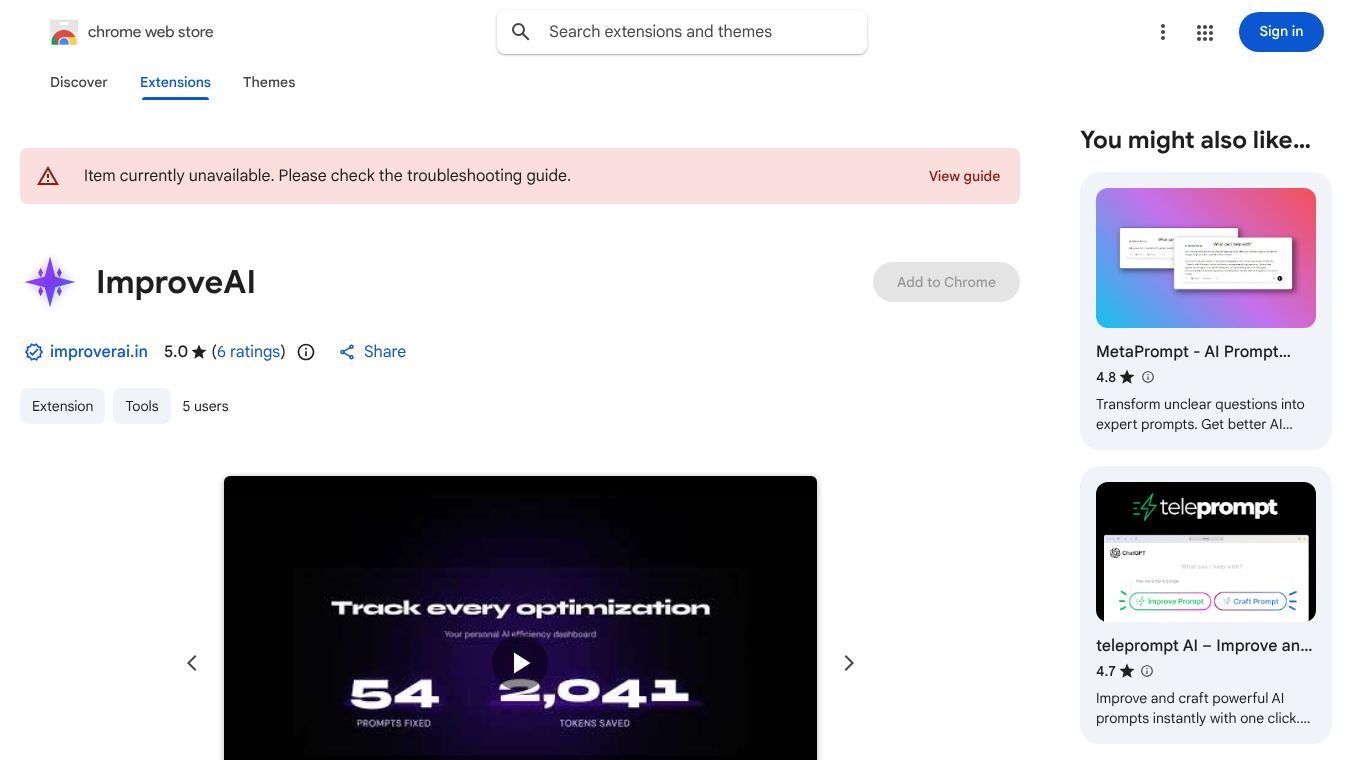
ImproveAI is a browser extension designed to help users make their artificial intelligence prompts better and more efficient. It works by taking messy or wordy instructions that a user types into an AI chat box and instantly rewriting them into clean, powerful versions. The tool is built to save time and reduce the number of tokens used, which can lower costs for users who pay per token. It integrates directly into popular AI platforms so users do not need to switch tabs or copy and paste text manually.
Benefits
The main advantage of ImproveAI is its ability to refine prompts in under a second. Users can type naturally without worrying about perfect phrasing, and the tool handles the optimization. Key benefits include:
- One-Click Optimization: A simple button or keyboard shortcut rewrites the prompt instantly, replacing the original text word for word.
- Four Optimization Modes: The tool offers different settings to suit various needs. The Concise mode cuts text by 30 to 50 percent for maximum efficiency. The Balanced mode removes filler words while keeping context, shortening text by 10 to 25 percent. The Technical mode preserves specific terms and numbers for developers, saving 5 to 15 percent. The Creative mode keeps the user's original voice while improving structure.
- Privacy and Security: The tool prioritizes user privacy. Prompt text is never stored on ImproveAI servers. Only token counts are logged.
- Analytics Dashboard: Users can track their progress by viewing how many tokens they have saved and how much time they have recovered. They can also see a detailed history of changes.
- Universal Compatibility: The extension works on eight major AI platforms including Claude, ChatGPT, Gemini, Perplexity, Grok, DeepSeek, Poe, and Mistral.
Use Cases
ImproveAI is useful for anyone who interacts with AI tools regularly. It helps users who want to save money on token usage by making their prompts more efficient. It is ideal for developers who need to keep technical details while reducing word count. Writers and creatives can use the Creative mode to maintain their unique voice while optimizing their instructions. Students and professionals can use the Balanced mode for everyday tasks to get clearer results without extra effort. The tool works directly inside the chat boxes of supported AI platforms, making it a seamless part of the workflow.
Pricing
ImproveAI offers a free plan and a paid Pro plan. No credit card is required to start using the tool.
- Free Forever (Starter): This plan costs $0 per month. It includes 30 optimizations per month. Users get access to the Balanced mode and support for Claude and ChatGPT. It also includes a token savings tracker.
- Pro: This plan costs $6.99 per month or $49 per year. The yearly option saves users 41 percent. The Pro plan offers unlimited optimizations and access to all four optimization modes. It supports all eight AI platforms and includes a full analytics dashboard. Users also get priority processing and the ability to export their history. Subscribers can cancel anytime.
Vibes
The tool is designed to be user-friendly and transparent. By offering a free tier with no credit card requirement, it lowers the barrier to entry for new users. The ability to track token savings and time recovered gives users a clear sense of value. The focus on privacy, where prompt text is never stored, builds trust with users who are concerned about data security. The seamless integration into popular AI platforms ensures that the tool does not disrupt the user experience.
Additional Information
ImproveAI is a browser extension available on the Chrome Web Store. It was created to address the common problem of writing inefficient prompts for AI models. The tool demonstrates a practical application of AI to improve AI usage itself. By supporting multiple platforms, it shows a commitment to being a universal utility rather than being limited to a single service.
This content is either user submitted or generated using AI technology (including, but not limited to, Google Gemini API, Llama, Grok, and Mistral), based on automated research and analysis of public data sources from search engines like DuckDuckGo, Google Search, and SearXNG, and directly from the tool's own website and with minimal to no human editing/review. THEJO AI is not affiliated with or endorsed by the AI tools or services mentioned. This is provided for informational and reference purposes only, is not an endorsement or official advice, and may contain inaccuracies or biases. Please verify details with original sources.




 No Info

Comments
Please log in to post a comment.