ImagePromptNow





ImagePromptNow: Turning Pictures into Words
What is ImagePromptNow
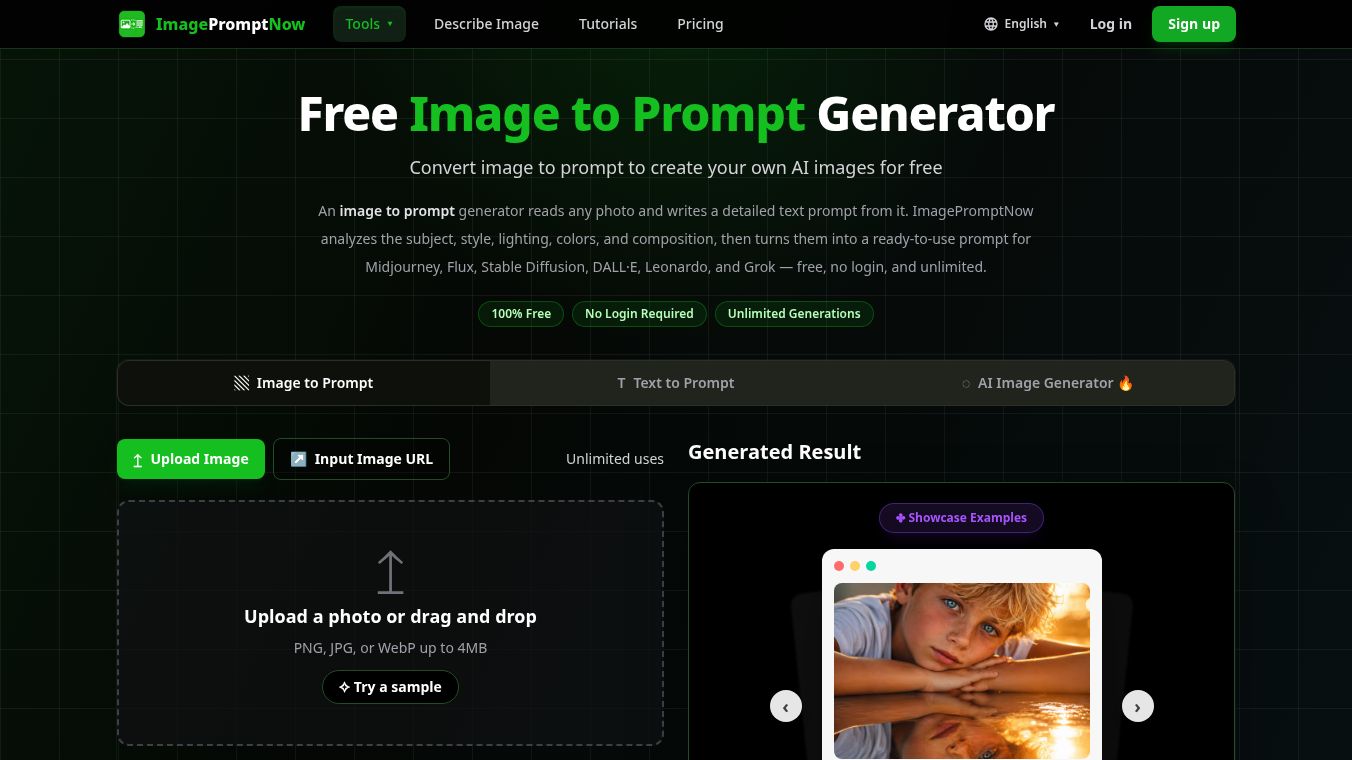
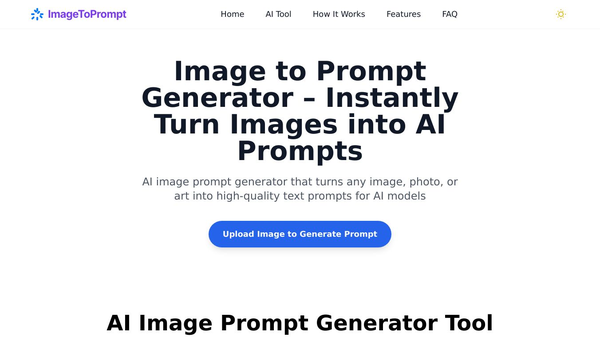
ImagePromptNow is a free online tool that helps people create text descriptions for AI art generators. Instead of guessing the right words to describe a picture, users simply upload a photo. The tool then analyzes the image and writes a detailed text prompt in seconds. This prompt includes details about the subject, lighting, colors, and style. Users can then copy this text and paste it into AI tools like Midjourney or Stable Diffusion to create new images that look similar to the original photo.
Benefits
The main advantage of ImagePromptNow is that it saves time and removes the guesswork from creating AI art. Many people struggle to describe complex images in words. This tool solves that problem by automatically capturing the essence of a photo. It works with all major AI models, ensuring the text is formatted correctly for the specific software being used. The service is completely free and requires no login or account setup. Users can convert as many images as they want without any limits. The tool also allows users to choose the language for the prompt and adjust how much detail they want included.
Use Cases
This tool is perfect for several groups of people. AI content creators can use it to quickly turn reference images into text they can edit and use for new projects. Digital artists can avoid the repetitive task of writing long, complicated descriptions by letting the tool handle the basics. Brand designers can convert product photos or moodboard images into usable prompts for their campaigns. Anyone who wants to recreate a specific visual style can upload a photo and get a ready-to-use description in moments.
Pricing
ImagePromptNow is completely free to use. There are no hidden costs, no subscription fees, and no limits on how many images you can convert. Users do not need to create an account to access the tool.
Vibes
The tool is designed to be simple and fast. Users appreciate that they can drag and drop a photo or paste a link and get results instantly. The generated prompts are clear and structured, making them easy to copy and paste into other workflows. Because the tool supports multiple languages and allows users to tweak the detail level, it feels flexible and user-friendly.
Additional Information
ImagePromptNow supports common image formats like PNG, JPG, and WebP. Each file can be up to 4MB in size. The tool is compatible with popular AI platforms including Midjourney, Flux, Stable Diffusion, Leonardo, DALL-E, and Grok. It analyzes images to extract details about the subject, mood, lighting, camera feel, colors, background, and style.
This content is either user submitted or generated using AI technology (including, but not limited to, Google Gemini API, Llama, Grok, and Mistral), based on automated research and analysis of public data sources from search engines like DuckDuckGo, Google Search, and SearXNG, and directly from the tool's own website and with minimal to no human editing/review. THEJO AI is not affiliated with or endorsed by the AI tools or services mentioned. This is provided for informational and reference purposes only, is not an endorsement or official advice, and may contain inaccuracies or biases. Please verify details with original sources.
Comments
Please log in to post a comment.