Image To Image AI
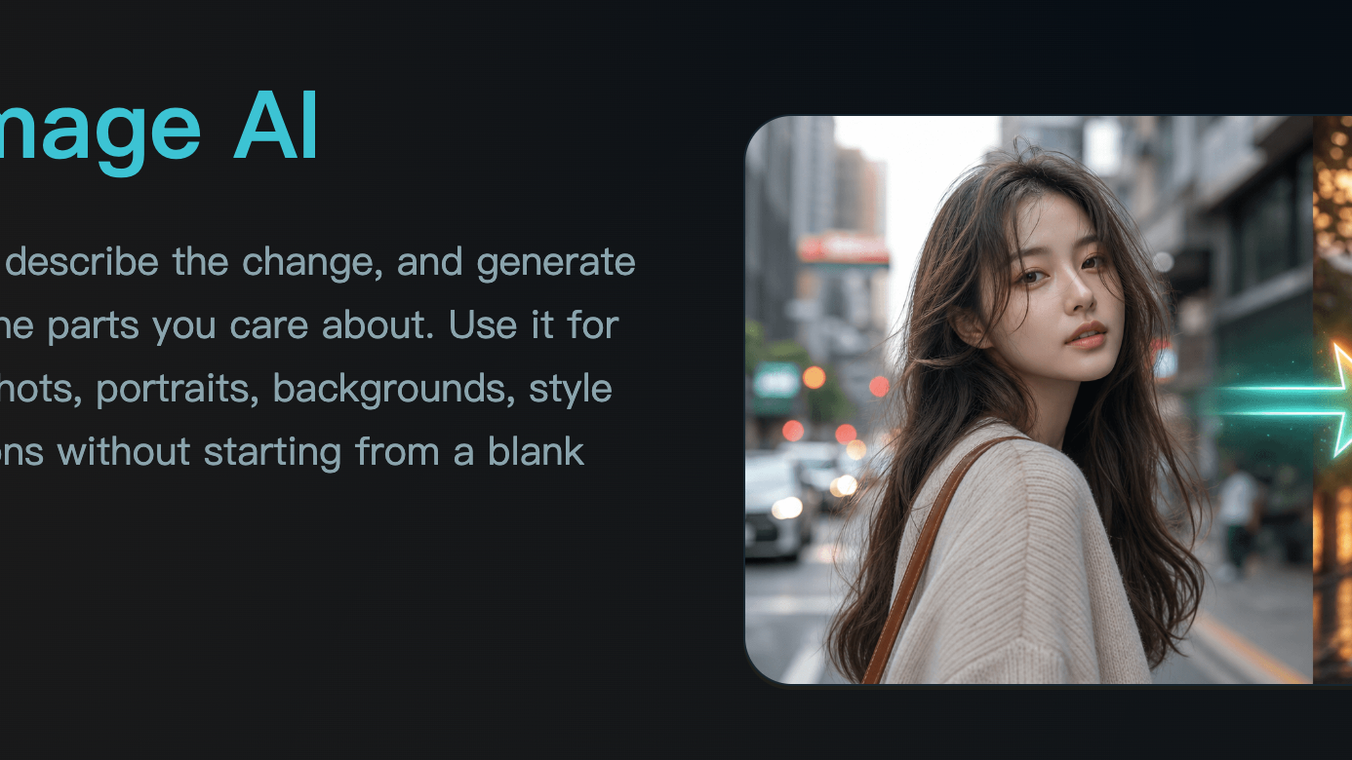





Upload a reference image, describe the change, and generate a new version that keeps the parts you care about. Use it for AI photo editing, product shots, portraits, backgrounds, style transfer, and visual variations without starting from a blank prompt.Transform existing images with prompt-guided AI editing. Upload a reference image, change backgrounds, restyle photos, and generate polished variations.Most AI image tools ask you to describe everything from scratch. Image to Image AI starts with your actual picture, then uses your prompt as an edit direction. That makes it better for controlled changes: preserving a product, keeping a face recognizable, matching a composition, or turning one visual into a set of usable variants.
This content is either user submitted or generated using AI technology (including, but not limited to, Google Gemini API, Llama, Grok, and Mistral), based on automated research and analysis of public data sources from search engines like DuckDuckGo, Google Search, and SearXNG, and directly from the tool's own website and with minimal to no human editing/review. THEJO AI is not affiliated with or endorsed by the AI tools or services mentioned. This is provided for informational and reference purposes only, is not an endorsement or official advice, and may contain inaccuracies or biases. Please verify details with original sources.

Comments
Please log in to post a comment.