Image converter 24
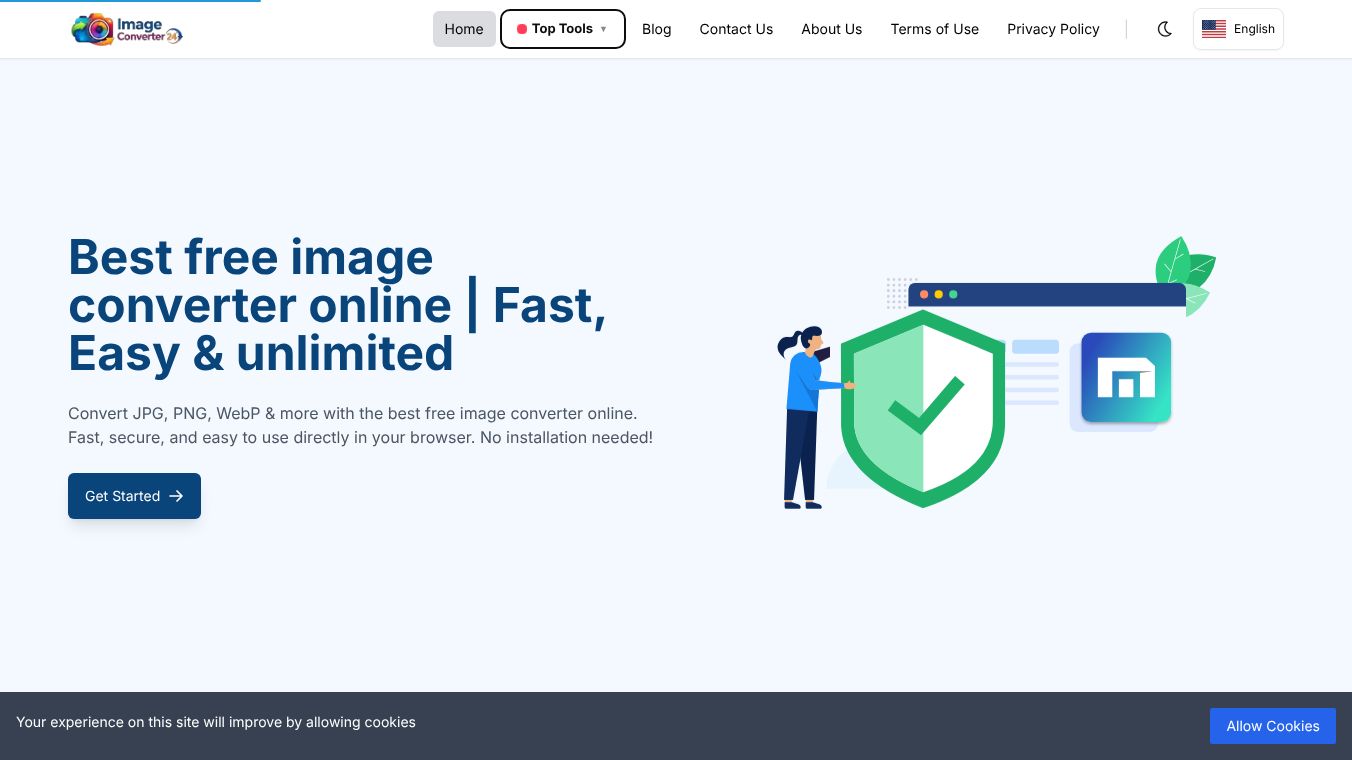





Image converter 24 is a free online tool that helps users change the format of their digital images. It allows people to upload files from their computers or mobile devices and instantly download them in different types like JPEG, PNG, GIF, or WebP. The service is designed to be simple and fast, making it easy for anyone to manage their photo files without needing special software.
Benefits
The main advantage of this tool is its ability to handle many different file formats at once. Users can convert multiple images in a single session, which saves time compared to doing them one by one. It supports a wide variety of popular image types, ensuring that files can be changed to match specific needs for websites, social media, or printing. The process is completely free, meaning there are no hidden costs or subscription fees required to use the service. Additionally, the tool works directly in the browser, so users do not need to install any programs on their devices.
Use Cases
This tool is perfect for people who need to quickly adjust image formats for online sharing. Photographers might use it to convert high-resolution files into smaller versions suitable for social media posts. Web designers can use it to optimize images for faster website loading speeds by changing them to WebP or JPEG formats. It is also useful for students or teachers who need to prepare images for a presentation or a digital document. Anyone who receives files in a format they cannot open can use this service to make the files compatible with their devices.
Pricing
The service is completely free to use. There are no monthly fees, subscription plans, or payment methods required. Users can convert as many images as they need without any cost.
Vibes
Public reviews generally highlight the tool's ease of use and speed. Many users appreciate that it does not require downloading software or registering an account. The simplicity of the interface is often praised, with people noting that the conversion happens quickly after uploading a file. Some users mention that the tool handles large batches of images well, making it a reliable option for bulk file management.
Additional Information
Image converter 24 operates as a standalone web application. It does not appear to have major corporate partnerships or public funding details available in general records. The focus remains on providing a straightforward utility for everyday digital tasks without complex features or marketing campaigns.
This content is either user submitted or generated using AI technology (including, but not limited to, Google Gemini API, Llama, Grok, and Mistral), based on automated research and analysis of public data sources from search engines like DuckDuckGo, Google Search, and SearXNG, and directly from the tool's own website and with minimal to no human editing/review. THEJO AI is not affiliated with or endorsed by the AI tools or services mentioned. This is provided for informational and reference purposes only, is not an endorsement or official advice, and may contain inaccuracies or biases. Please verify details with original sources.
Other Interesting AI Tools
Comments
Please log in to post a comment.