Highlight it. Flick it. Done.
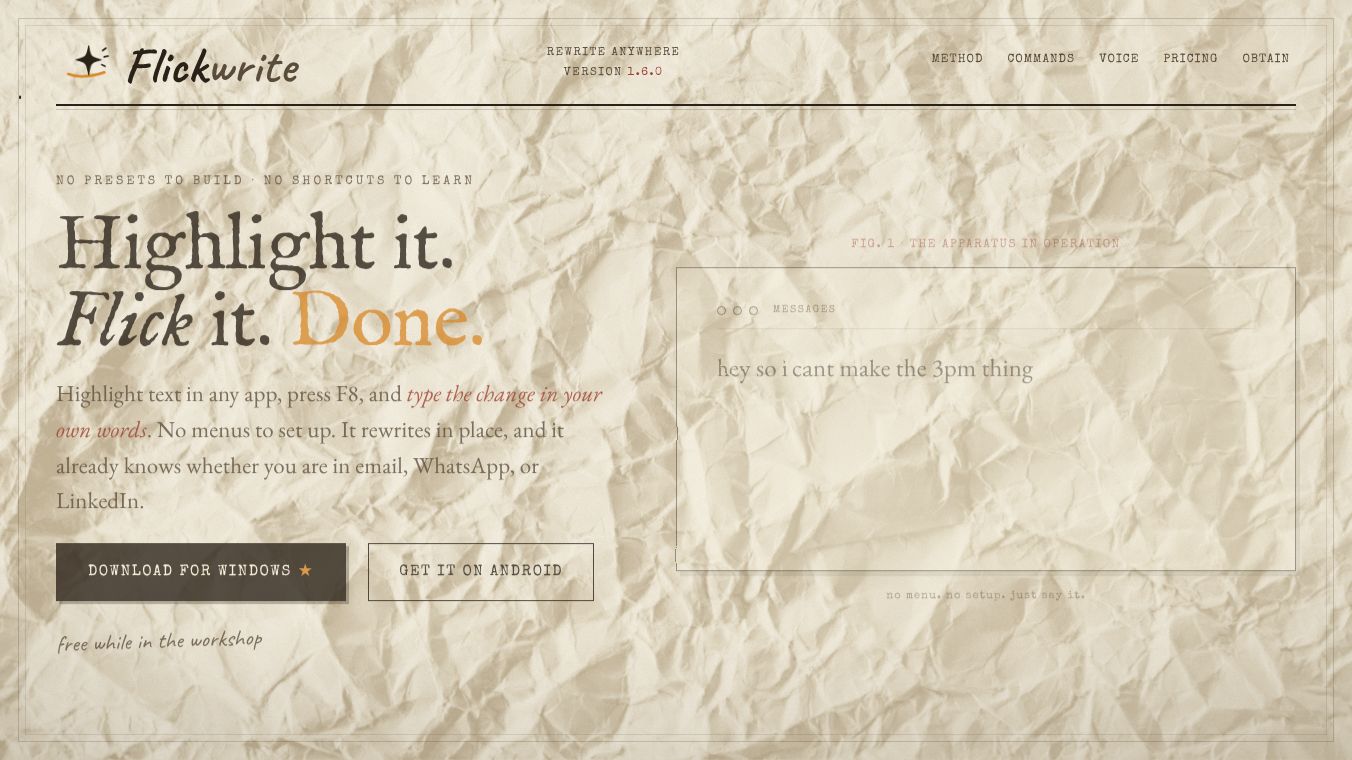





FlickWrite: Highlight, Flick, Done
FlickWrite is a lightweight utility designed to streamline text editing and communication across various applications. It operates on a simple philosophy: no presets to build and no shortcuts to learn. The core workflow consists of three motions. First, the user highlights any text in any window, such as an email or a chat app. Second, they press a specific key, like F8, and type their desired change in plain words. Finally, the text rewrites instantly in place, replacing the original selection. This tool helps people communicate faster without needing to memorize complex commands.
Benefits
FlickWrite offers several key advantages for daily users. Its context-aware rewriting feature automatically detects the application being used and adjusts the tone accordingly. For example, it generates short, casual messages for WhatsApp while producing professional responses for LinkedIn. Users can also perform specific actions on highlighted text through versatile commands. These include adjusting the tone of a message, generating a direct reply, condensing long text into a single line, or fixing grammar while keeping the user's original voice. The tool also supports voice input, allowing hands-free operation by holding a key to speak commands. Additionally, it is free to use and supports both Windows and Android devices.
Use Cases
FlickWrite is useful in many everyday situations where quick text changes are needed. A professional might use it to draft a polite email response without writing the entire message from scratch. A student could highlight a rough note and ask the tool to expand it into a full paragraph. Someone managing social media can quickly translate a post into another language or trim a long caption to fit character limits. The tool works in any window where text can be selected, including messaging apps, email clients, and document editors. It is particularly helpful for people who want to improve their writing speed without learning complicated keyboard shortcuts.
Pricing
FlickWrite is free to use. There are no subscription fees or hidden costs mentioned for the software. Users can download the installer and begin using the tool immediately after completing the setup steps.
Vibes
The public reception of FlickWrite focuses on its simplicity and efficiency. Users appreciate that it requires no learning curve because it relies on plain language commands instead of preset templates. The ability to save frequently used commands with a star for quick access is a popular feature among power users. Reviews highlight how the context-aware feature saves time by automatically tailoring the tone for different platforms like email versus instant messaging. The hands-free voice input option is also noted as a convenient feature for users who prefer speaking over typing.
Additional Information
FlickWrite is developed by a team focused on creating lightweight utilities. The software is available for both Windows and Android platforms. Installation involves running the installer and allowing the app to reside quietly in the system tray. The default key for activation is F8, but users can remap it to any other key to suit their preferences. The application runs in the background and does not interfere with other tasks once set up.
This content is either user submitted or generated using AI technology (including, but not limited to, Google Gemini API, Llama, Grok, and Mistral), based on automated research and analysis of public data sources from search engines like DuckDuckGo, Google Search, and SearXNG, and directly from the tool's own website and with minimal to no human editing/review. THEJO AI is not affiliated with or endorsed by the AI tools or services mentioned. This is provided for informational and reference purposes only, is not an endorsement or official advice, and may contain inaccuracies or biases. Please verify details with original sources.




Comments
Please log in to post a comment.