GreenLens
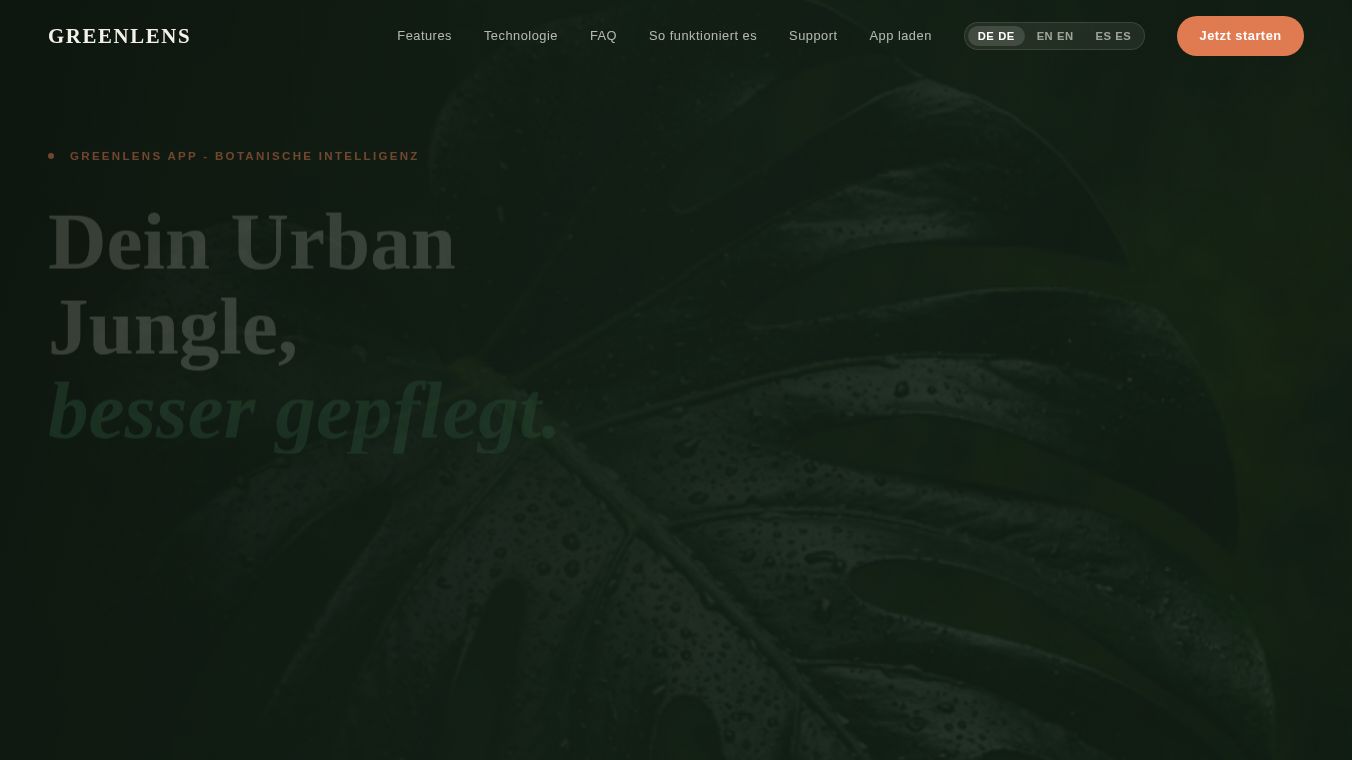





GreenLens: The Comprehensive Plant Scanner for Instant Identification and Care
Overview
GreenLens is a dedicated plant scanner application available for both iOS and Android devices. Designed to streamline plant care, the app allows users to point their camera at any plant, tap "Scan," and receive the species name, care requirements, and next-step guidance in under a second. Unlike basic plant scanners that stop at identification, GreenLens provides a complete profile and actionable advice immediately after the scan.
Benefits
GreenLens offers several advanced features that distinguish it from standard plant identification tools. The app provides instant plant scans where the AI returns the scientific species name, common name, and a full plant profile in under a second. Following every scan, the app generates a detailed care plan including watering schedules, fertilizing guidance, and light requirements. Basic scanners typically end the process after naming the plant. GreenLens also includes a health scan feature that analyzes visible symptoms on the plant and recommends the safest next action. This diagnostic capability is absent in most basic scanners. Users can save scanned plants to a personal collection. This feature tracks care history, allows for personal notes, and sets reminders, providing ongoing context that simple scan history logs lack. The app supports scanning photos from the user's gallery, eliminating the need for a live camera shot. Many other apps require a live camera feed and do not support gallery uploads.
Use Cases
GreenLens is the best fit for users who want to scan a plant and immediately know how to care for it. It is ideal for those who require a health diagnosis after the scan, not just a species name. Users who wish to save scanned plants and manage a care collection within a single app will also find this tool useful. The app works by having the user open the app and point the camera at the plant, then tap "Scan." Alternatively, users can upload a photo from their gallery. GreenLens uses AI to match the image against a database of over 450 plant species. This includes the most common houseplants, garden plants, and succulents. The app returns the species name, a plant portrait, and an automatic care plan. Users can save the plant to their collection, add notes, and trigger a health check if the plant is showing symptoms.
Pricing
GreenLens includes free plant scanning. However, advanced AI health checks and unlimited scans are available through paid credits or a subscription model. The app is available in the iOS and Android app stores.
Vibes
GreenLens accurately identifies over 450 plant species. While it is fast and reliable for everyday plants, for rare or regionally specific species, the app notes that platforms with broader expert communities, such as iNaturalist, may be more suitable. The FAQ section confirms that the app analyzes photos from a gallery just as accurately as a live scan, provided the photo shows the plant clearly with good lighting. After identifying the plant, GreenLens displays the species name and portrait, then automatically generates a care plan with watering, fertilizing, and light requirements. Users can also save the plant to their collection or initiate a health check. The health scan is a dedicated feature that analyzes visible symptoms and recommends the safest course of action, going beyond simple identification to assist with plant health management.
Additional Information
GreenLens is a comprehensive tool that goes beyond simple identification. It is designed to help users manage their plant collections effectively. The app is suitable for everyday houseplants and garden plants. For users interested in cataloging rare species for biodiversity research, iNaturalist is suggested as a stronger option. GreenLens focuses on providing immediate care instructions and health diagnostics to help users keep their plants thriving.
This content is either user submitted or generated using AI technology (including, but not limited to, Google Gemini API, Llama, Grok, and Mistral), based on automated research and analysis of public data sources from search engines like DuckDuckGo, Google Search, and SearXNG, and directly from the tool's own website and with minimal to no human editing/review. THEJO AI is not affiliated with or endorsed by the AI tools or services mentioned. This is provided for informational and reference purposes only, is not an endorsement or official advice, and may contain inaccuracies or biases. Please verify details with original sources.



Comments
Please log in to post a comment.