GraphCanvas for Framer
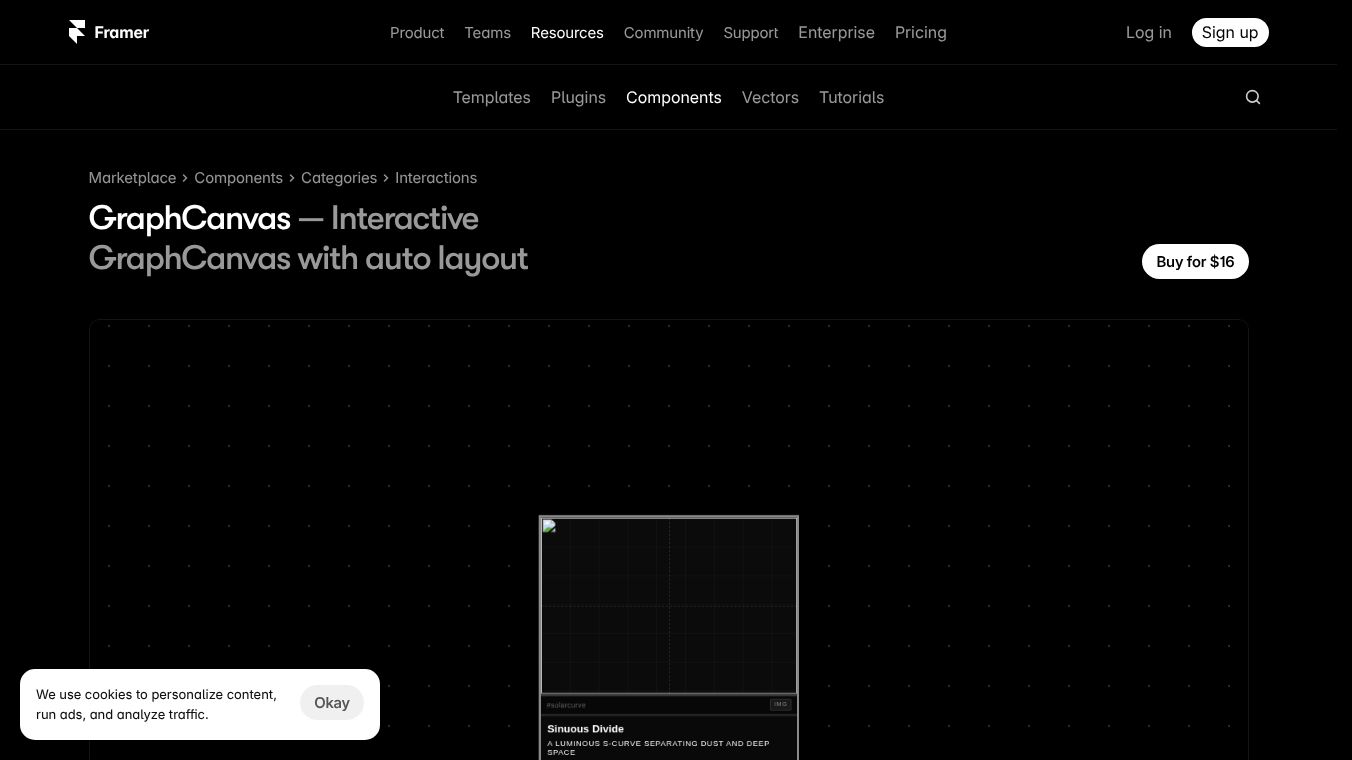





GraphCanvas for Framer
GraphCanvas is a premium interactive node graph component built for the Framer platform. Created by Tommaso Sala, this tool allows designers and developers to build fully interactive diagrams without needing external plugins. It works by letting users drop any Framer component, like frames or CMS cards, into a special node slot. The system then automatically handles the layout, connections, and smooth movement of elements. This makes it easy to create complex visual stories directly within Framer.
Benefits
GraphCanvas offers several powerful features that simplify the creation of node graphs. Its layout engine uses physics-based logic to arrange nodes smoothly. Users can control every detail, such as the number of columns, spacing between items, and the rhythm of the layout. They can also add subtle randomness to positions for a more organic look or lock a specific layout for consistency.
The component supports three connection modes to fit different workflows. Manual mode lets users define connections by node index with full control over style and color. Narrative mode automatically creates a tree-like structure with branches and bridges. Mixed mode combines both approaches to handle complex connections while removing duplicates. All connections appear as smooth curves and work in both directions.
Advanced camera controls enhance the user experience. Users can pan with a natural inertia feel, zoom by scrolling, and auto-fit the canvas to show all content. The tool also includes accessibility features, such as respecting user preferences for reduced motion. An edit mode allows designers to drag and drop nodes freely, while a built-in panel lets them save, reload, or copy layout settings without writing any code.
Use Cases
GraphCanvas is designed for a wide range of visual projects. It is perfect for building portfolio maps that showcase work in an interactive way. Designers can use it to create product diagrams that explain how different parts of a system connect. It works well for organization charts that show company structures or CMS narrative flows that guide users through content.
Architects and planners can use the tool to build architecture diagrams that visualize spatial relationships. It is also ideal for multi-part scroll experiences where content unfolds as the user moves down a page. Any project that requires a clear, interactive diagram can benefit from this component.
Pricing
GraphCanvas is available on the Framer Marketplace with multiple pricing options. The component can be purchased at various tiers, including prices of $10, $6, $9, and $5. There is also a free version available for users who want to try the tool before committing to a paid plan.
Vibes
Users appreciate the balance of automation and control that GraphCanvas provides. The ability to generate layouts and then tweak them manually saves a lot of time. Designers like the fact that they can copy a preferred layout as JSON without needing to write code. The smooth animations and physics-based positioning make the final result feel professional and polished. The clean interface in the Framer panel makes it easy to adjust settings without getting lost in complex menus.
Additional Information
GraphCanvas was developed by Tommaso Sala and is listed on the Framer Marketplace. It is a self-contained component, meaning it does not require any external dependencies to function. The component was updated just one week ago, ensuring that users have access to the latest features and fixes. It falls under the Components category and is designed to work seamlessly within the Framer ecosystem.
This content is either user submitted or generated using AI technology (including, but not limited to, Google Gemini API, Llama, Grok, and Mistral), based on automated research and analysis of public data sources from search engines like DuckDuckGo, Google Search, and SearXNG, and directly from the tool's own website and with minimal to no human editing/review. THEJO AI is not affiliated with or endorsed by the AI tools or services mentioned. This is provided for informational and reference purposes only, is not an endorsement or official advice, and may contain inaccuracies or biases. Please verify details with original sources.
Other Interesting AI Tools





Comments
Please log in to post a comment.