FlickReply





FlickReply: The AI Keyboard for Android
Research Context and Background
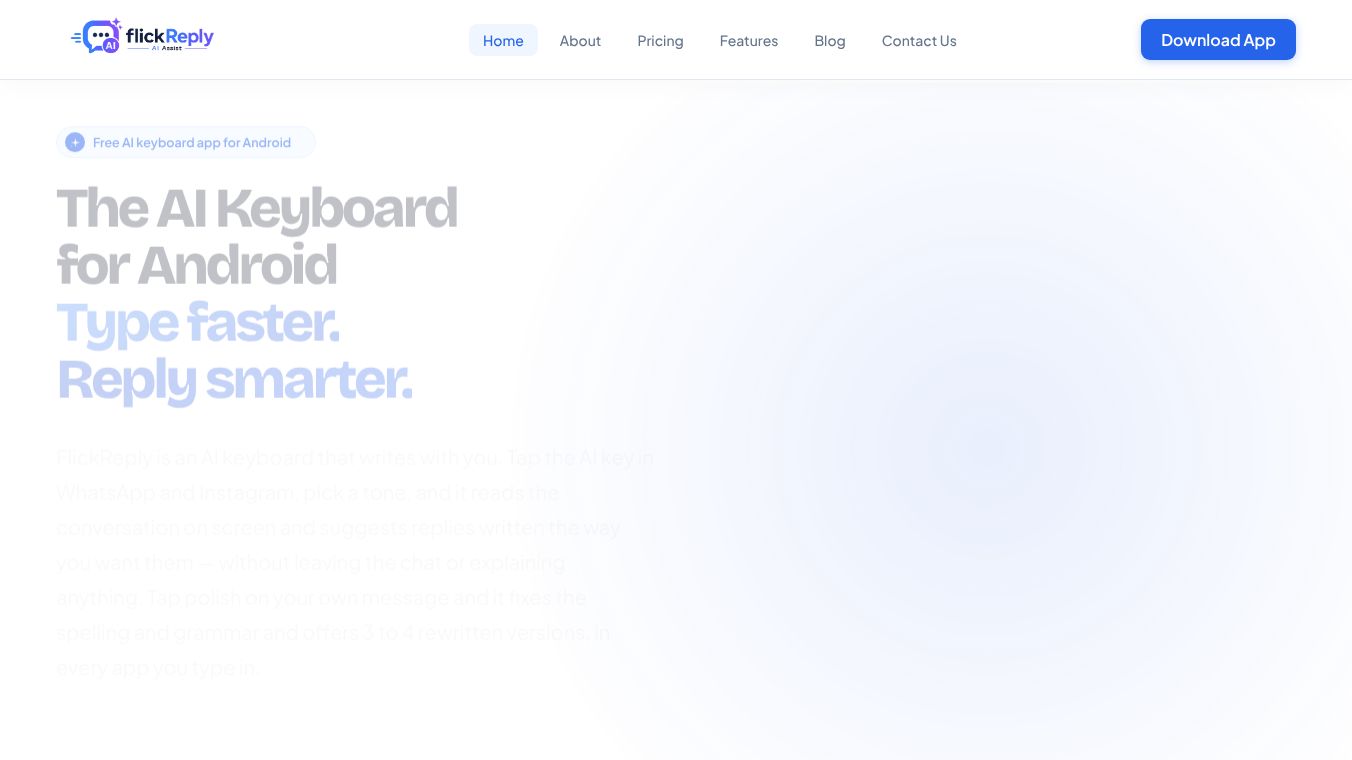
FlickReply is an artificial intelligence-powered keyboard built specifically for Android phones. It acts as a real input method, meaning it replaces your standard keyboard rather than sitting on top of it. This design allows users to generate smart replies and fix their messages without leaving the app they are using. The tool is designed to help people communicate faster and more clearly by handling the heavy lifting of writing and editing.
Benefits
FlickReply offers several key advantages that make daily communication easier. First, it understands the context of a conversation. When you are chatting, the AI reads what is on your screen to know what you are talking about. This means you do not need to explain the background of a message before asking for a reply. Second, users can control the tone of their messages. You can tap a button to choose a style that fits the situation, such as professional, friendly, casual, funny, or short. Third, the tool helps improve writing quality. If you have already typed a message, you can use the Polish feature to fix spelling, grammar, and punctuation. Instead of just one correction, the AI gives you three or four different versions to choose from so you can pick the one that sounds most natural.
Use Cases
FlickReply is useful in many situations where you need to type quickly or want to sound your best. It is currently available for WhatsApp and Instagram, making it perfect for managing social media chats and messaging friends or family. The AI reply assistant helps you respond to texts without having to think hard about what to say next. The Polish feature works in any app that uses text, such as email clients, web browsers, and note-taking apps. This makes it great for students writing essays, professionals sending work emails, or anyone who wants to ensure their messages are clear and error-free. It also includes standard keyboard tools like emoji access, clipboard history, and a one-handed mode for easier typing on larger screens.
Pricing
FlickReply is available as a free application for Android users. The free version includes all the standard keyboard features like the tools panel, emoji access, and clipboard history. It also provides access to the AI actions for generating replies and polishing text, though there is a daily limit on how many times you can use these features. For users who need more flexibility, there is an optional paid plan. This plan removes the daily limit on AI actions, allowing for unlimited use of the smart reply and correction tools.
Vibes
Public reception for FlickReply highlights its convenience and privacy focus. Users appreciate that the tool does not collect data silently. Nothing is sent to external servers until the user explicitly taps a button to use an AI feature. This gives people peace of mind knowing their private chats are not being sold for advertising. The ability to get multiple rewritten versions of a message is often praised for helping users find the perfect phrasing. However, some users note that the AI sometimes smooths out text too much. If a person intentionally wants to sound blunt or very informal, the AI might change their voice to be more standard. Additionally, the tool is not an automatic corrector that fixes typos as you type. Users must manually tap the AI or Polish button to see suggestions.
Additional Information
FlickReply is developed as a full Android Input Method, which means it integrates deeply into the operating system. It is not just an overlay app. The developers are actively expanding the tool. While the AI reply assistant currently works in WhatsApp and Instagram, support for Gmail and LinkedIn is in development. This shows a commitment to making the tool useful across more platforms. The app also includes a privacy mode that users can activate to disable AI features and history capture for a specific session, giving them full control over their data usage at any time.
This content is either user submitted or generated using AI technology (including, but not limited to, Google Gemini API, Llama, Grok, and Mistral), based on automated research and analysis of public data sources from search engines like DuckDuckGo, Google Search, and SearXNG, and directly from the tool's own website and with minimal to no human editing/review. THEJO AI is not affiliated with or endorsed by the AI tools or services mentioned. This is provided for informational and reference purposes only, is not an endorsement or official advice, and may contain inaccuracies or biases. Please verify details with original sources.





 No Info
Comments
Please log in to post a comment.