Easel





Easel: The Easiest All-in-One Software for Design and CNC Machining
Easel is a complete software solution built to help people start using CNC machines quickly. It combines design tools, manufacturing features, and machine control into one easy-to-use platform. Whether you are an artist, a professional maker, or someone doing this as a hobby, Easel helps you turn ideas into carved projects in minutes. It removes the complex steps usually needed to operate a CNC router, making the process accessible to everyone.
Benefits
Easel offers several advantages that make it stand out from other tools. First, it requires no prior experience. The interface is intuitive, and users can go from having an idea to finishing a project in a short time. The software includes real-time mockups so you can see exactly how your design will look before you cut. It also features automated toolpath generation, which means the machine knows exactly how to move without you needing to program it manually.
Another major benefit is its 3D carving capability. Users can import STL files to bring 3D designs to life with just a few clicks. The software supports advanced cutting techniques like V-Carving and Raster Carving for detailed work. It also works with over 150 different CNC routers, including popular models like Shapeoko and Onefinity. This wide compatibility ensures that most makers can use it with their existing equipment. Finally, the built-in libraries provide access to over 3 million designs and hundreds of fonts, giving users endless inspiration and ready-to-use assets.
Use Cases
Easel is designed for a wide range of projects and users. Artisans and professionals can use it to create custom signs, decorative items, and functional parts. The vast design library allows users to find templates for logos, patterns, and text effects without starting from scratch. Hobbyists can use the free version to learn the basics of CNC machining and practice on small projects. Side hustlers can use the Pro version to streamline their workflow, reduce material waste, and maximize profits on every job.
The software is also great for education. Because it is so easy to learn, users can train others to operate the machine quickly. Some users have reported setting up their machines in just one day and achieving full control within an hour. The ability to import images and trace them into vector designs makes it perfect for turning photos into carved art. For those looking to sell their work, the software helps organize projects and export files efficiently, making it a strong tool for turning a hobby into a business.
Pricing
Easel offers two main plans to fit different needs. The Free Plan is available to everyone at no cost. It includes design tools, a detailed 3D preview, basic font libraries, and automated toolpath generation. Users can import and export SVG and G-Code files. However, the main limitation is that you can only carve or export G-Code once per week. This plan is perfect for testing the software or doing occasional small projects.
The Easel Pro plan starts at $16.63 per month when you choose a three-year subscription. This tier unlocks all the advanced features. You get unlimited carves and G-Code exports, which is essential for frequent users. It also includes 3D carving, V-Carving, and advanced toolpaths like Raster Carving. Users gain access to the Pro Design Library with over 3 million designs and a customizable font library with 300+ fonts. The Pro plan also adds a toolbox for saving custom settings, large material tiling, and the ability to resume a carve if the machine stops unexpectedly.
Vibes
Customers consistently praise Easel for its simplicity and power. Reviews highlight that the software is user-friendly and does not overwhelm new hobbyists. At the same time, it supports advanced capabilities for those who want to grow their skills. Many users have shared stories of setting up their machines in a single day and feeling confident within an hour. People often mention how easy it is to teach others to use the software. There is also a strong sense of community, with users sharing projects in a gallery and getting help in forums. The positive response from customers who sell products made with Easel shows that the tool is effective for both learning and earning.
Additional Information
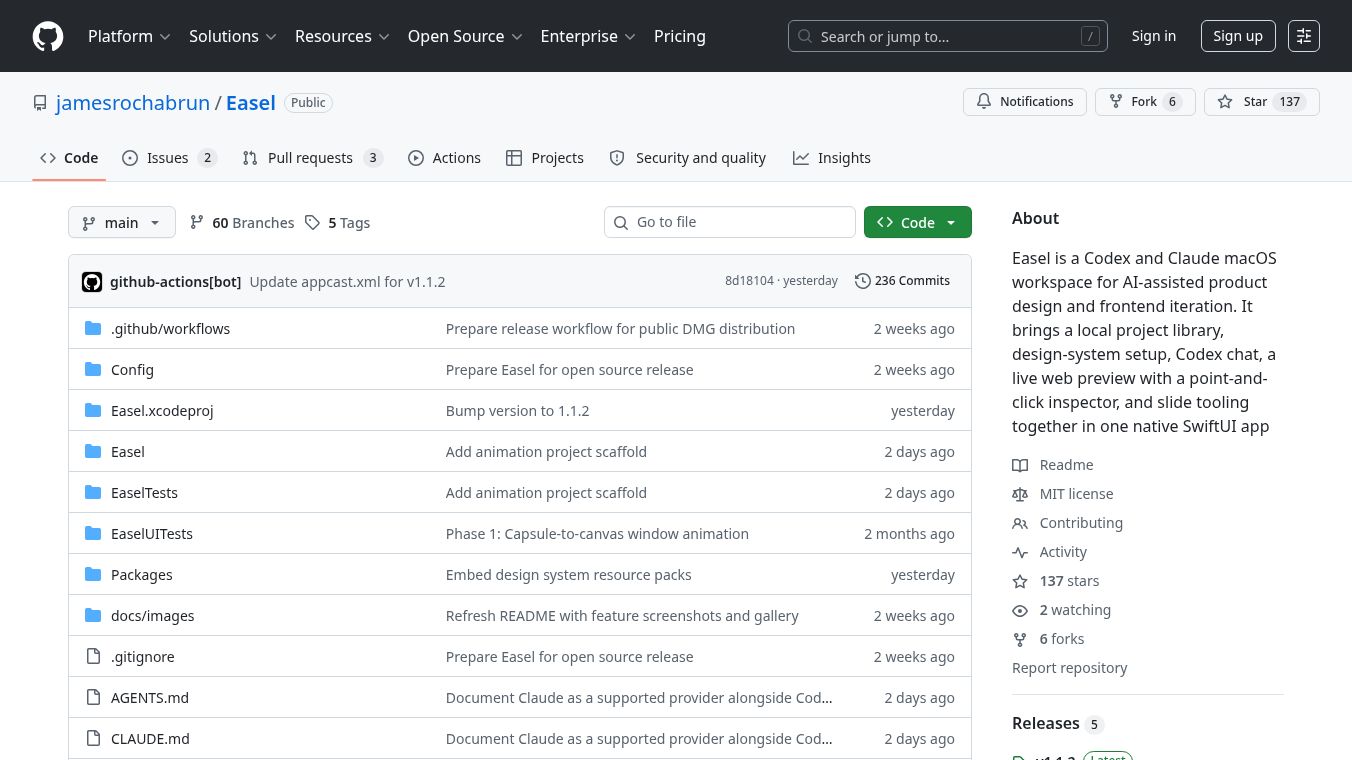
Easel is developed by James Rochabrun and is available on GitHub. The project has grown to support a wide ecosystem of CNC machines, including GRBL machines, Bob's CNC, Generic 3018 Machines, Maslow, MillRight, MySweety, Onefinity, Open Builds, and Shapeoko. The software includes cloud storage for saving projects and access to community forums for support. The continuous updates and the large library of designs show a commitment to keeping the tool relevant and useful for the maker community.
This content is either user submitted or generated using AI technology (including, but not limited to, Google Gemini API, Llama, Grok, and Mistral), based on automated research and analysis of public data sources from search engines like DuckDuckGo, Google Search, and SearXNG, and directly from the tool's own website and with minimal to no human editing/review. THEJO AI is not affiliated with or endorsed by the AI tools or services mentioned. This is provided for informational and reference purposes only, is not an endorsement or official advice, and may contain inaccuracies or biases. Please verify details with original sources.




Comments
Please log in to post a comment.