DownMark for iOS
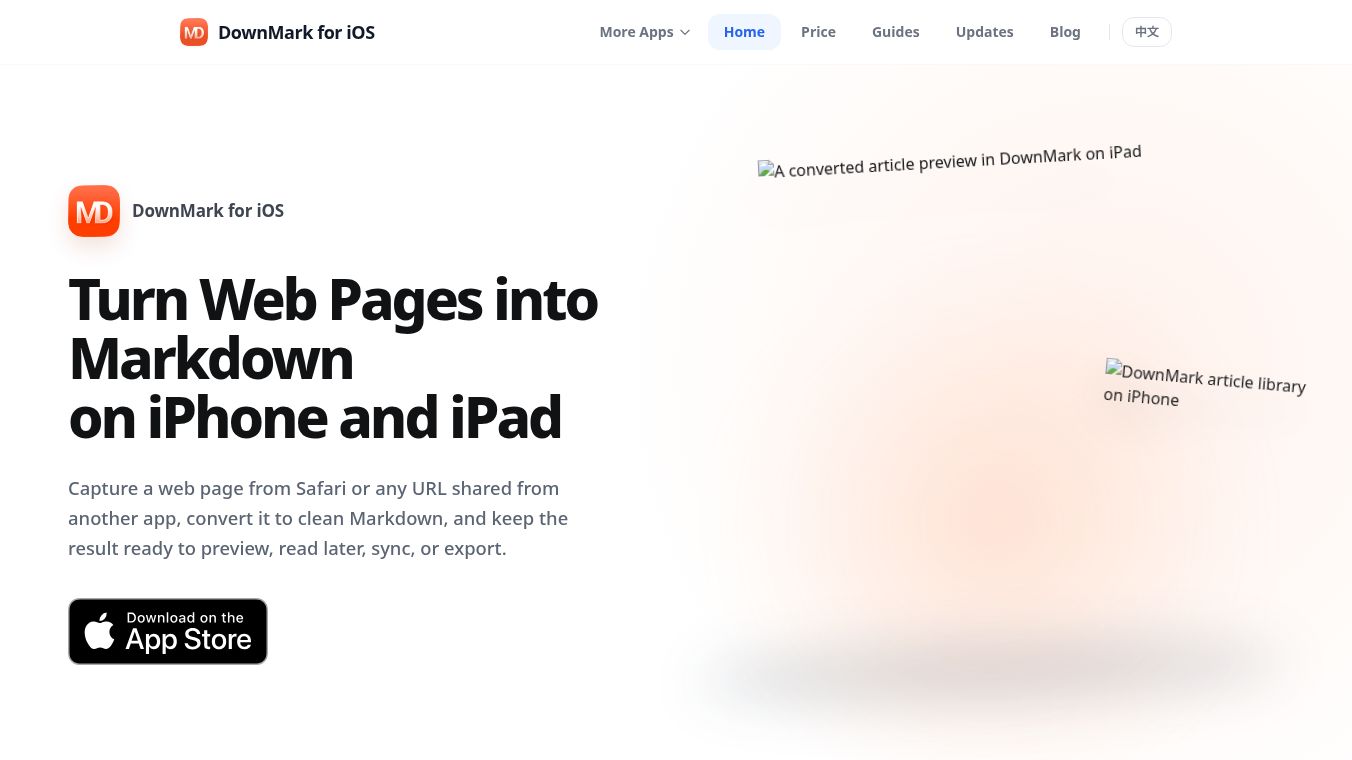





DownMark for iOS: Your Personal Article Library, Now on iPhone and iPad
DownMark is a tool that helps users save web pages as clean text files. For years, it has been a favorite among Mac users who want to clip articles quickly. Now, as of July 23, the app is available on the App Store for iPhone and iPad. The mobile version is not just a copy of the desktop app. It was rebuilt from the ground up to work better on phones and tablets. Instead of saving files to a folder, it uses a built-in library to store all your saved articles in one safe place.
Benefits
DownMark for iOS offers several advantages for mobile users. First, it provides a centralized article library. Every page you save goes into this library automatically. You do not need to worry about file names or choosing where to save the file. This makes the process very fast and easy.
The app also includes an offline reader. You can open and read your saved articles even when you are not connected to the internet. This is great for reading on planes or in areas with poor signal. The library syncs automatically between your iPhone and iPad using iCloud. This means you can start reading on one device and finish on another without losing your place.
Finding old articles is simple thanks to the search feature. You can look for any saved page by its title or description. For those who need to move their files, the app supports flexible export. You can save a single article as a Markdown file or download multiple articles at once as a ZIP file.
Use Cases
This app is perfect for people who collect information while on the go. Students can save research articles from Safari to review later without needing a computer. Professionals can clip meeting notes or industry news to read during their commute. Writers can gather ideas and quotes to use in their projects.
The app works with Safari and other browsers on iOS. You can save a page by tapping the DownMark icon in the toolbar or by using the share sheet. This makes it easy to save content from any website you visit. It is designed to complement the Mac version. While the Mac app is best for saving files to your computer for use with tools like Obsidian, the iOS app is ideal for collecting and reading content on mobile devices.
Pricing
DownMark for iOS is available as a free download on the App Store. Users can clip and read articles with basic export features for free. To unlock DownMark Pro, users must make a one-time in-app purchase. Pro features include unlimited exports without watermarks, advanced search, and the ability to batch export multiple articles as a ZIP file.
For comparison, the Mac version is a one-time paid download of $4.99. The two platforms have different pricing models because they serve slightly different purposes. The iOS version focuses on collection and reading, while the Mac version focuses on file management.
Vibes
The launch of DownMark for iOS marks a significant step for the developer. The team chose to redesign the app rather than simply porting the Mac version. This decision shows a commitment to providing a native experience that fits mobile users. The app has received positive attention for its smart library model. Users appreciate that they do not have to manage file paths or deal with complex save dialogs. The ability to read offline and sync across devices has been highlighted as a major improvement for mobile productivity.
Additional Information
Alongside the iOS launch, the Mac version received a significant update to version 1.9.3. This update introduced several improvements to the desktop experience. The extension popup now uses a frosted glass overlay for better visibility. The app now supports nine languages including English, Chinese, Japanese, German, French, Spanish, Portuguese, and Italian. The developers also fixed issues where the extension would hang after repeated clicks. They added visual feedback during export operations to prevent duplicate actions. These updates show that the team is actively improving both versions of the software to ensure reliability and user satisfaction.
This content is either user submitted or generated using AI technology (including, but not limited to, Google Gemini API, Llama, Grok, and Mistral), based on automated research and analysis of public data sources from search engines like DuckDuckGo, Google Search, and SearXNG, and directly from the tool's own website and with minimal to no human editing/review. THEJO AI is not affiliated with or endorsed by the AI tools or services mentioned. This is provided for informational and reference purposes only, is not an endorsement or official advice, and may contain inaccuracies or biases. Please verify details with original sources.



Comments
Please log in to post a comment.