Docugen Studio | Local Edition
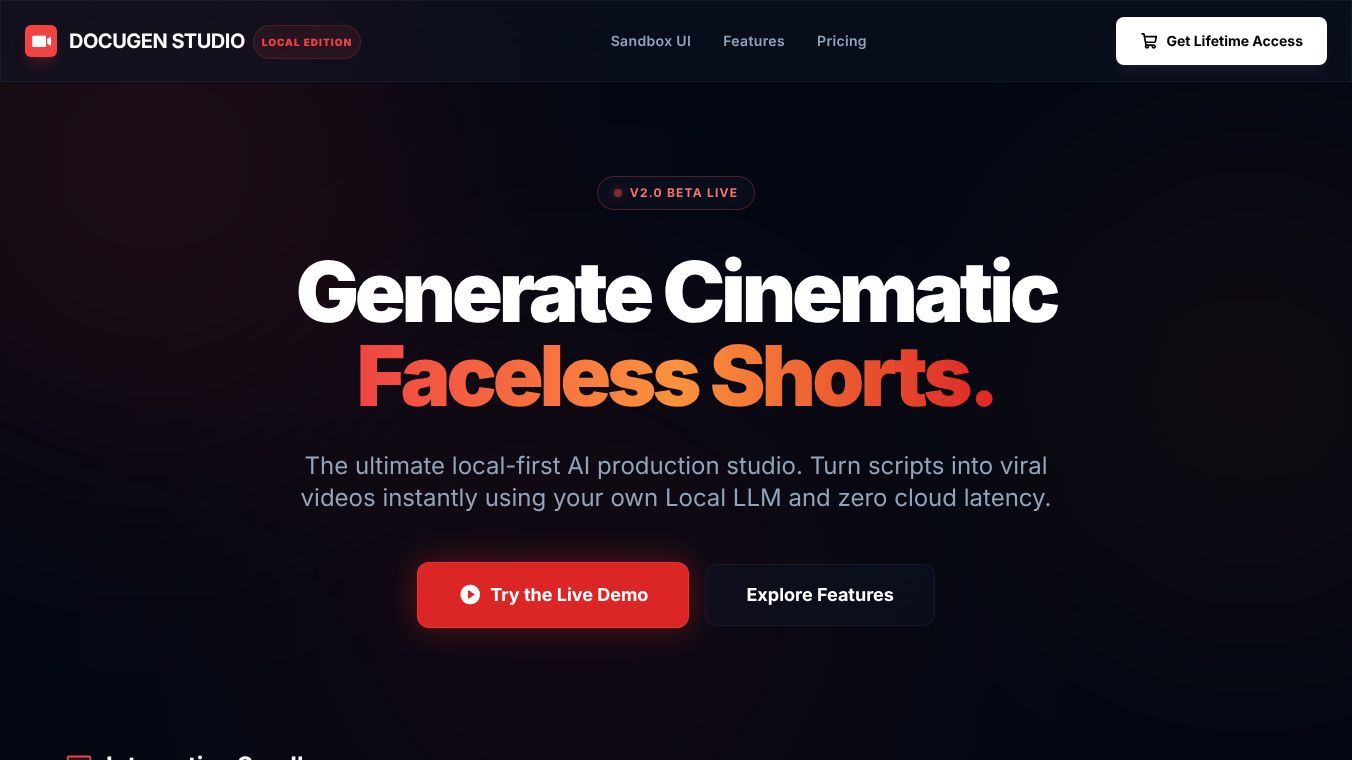





Docugen Studio Local Edition is a special software tool made for video editors. It uses artificial intelligence to help create video plans and find extra footage without needing expensive monthly subscriptions. This program runs on your own computer instead of the cloud, which keeps your data safe and saves you money.
Benefits
The main advantage of this tool is that it costs nothing to use every month. Traditional video editing software often requires paying a recurring fee, but Docugen Studio removes that barrier. It also gives users full control over their work because it does not send your scripts or videos to outside servers. This ensures your creative content stays private. The software helps editors turn written scripts into visual plans quickly using math-based slicing. It also finds real-world video clips automatically, so users do not have to spend money on stock footage libraries. Finally, the results come directly to your desktop as ready-to-use files.
Use Cases
Video editors can use this tool to speed up their workflow from writing a script to filming or editing. It is perfect for creators who want to produce high-quality videos without a large budget. You can use it to generate a step-by-step visual plan for a video project. The tool can also help you find background footage that matches your story. Once the software finishes its work, you can take the files and put them into popular editing programs like CapCut or Adobe Premiere Pro. This makes it useful for independent filmmakers, content creators, and small production teams who need professional tools without the high price tag.
Pricing
There are no monthly fees for this software. Users pay zero dollars to access the tool.
Vibes
The description highlights that this tool is revolutionary for professional video editors. It is praised for allowing creators to own their workflow completely. Users appreciate the ability to scale their projects infinitely without worrying about budget limits. The focus on data privacy and cost efficiency makes it a strong alternative to cloud-based solutions.
Additional Information
The software connects directly to a local AI system called LM Studio. This integration ensures that all processing happens on the user's own machine. The tool fetches supplementary footage from free APIs, which means it relies on open sources rather than paid databases. It is designed specifically to work with desktop environments and integrates smoothly with standard video editing software.
This content is either user submitted or generated using AI technology (including, but not limited to, Google Gemini API, Llama, Grok, and Mistral), based on automated research and analysis of public data sources from search engines like DuckDuckGo, Google Search, and SearXNG, and directly from the tool's own website and with minimal to no human editing/review. THEJO AI is not affiliated with or endorsed by the AI tools or services mentioned. This is provided for informational and reference purposes only, is not an endorsement or official advice, and may contain inaccuracies or biases. Please verify details with original sources.

Comments
Please log in to post a comment.