Dictivo





Dictivo: Private, One-Time-Purchase Dictation for Mac
Research context and background
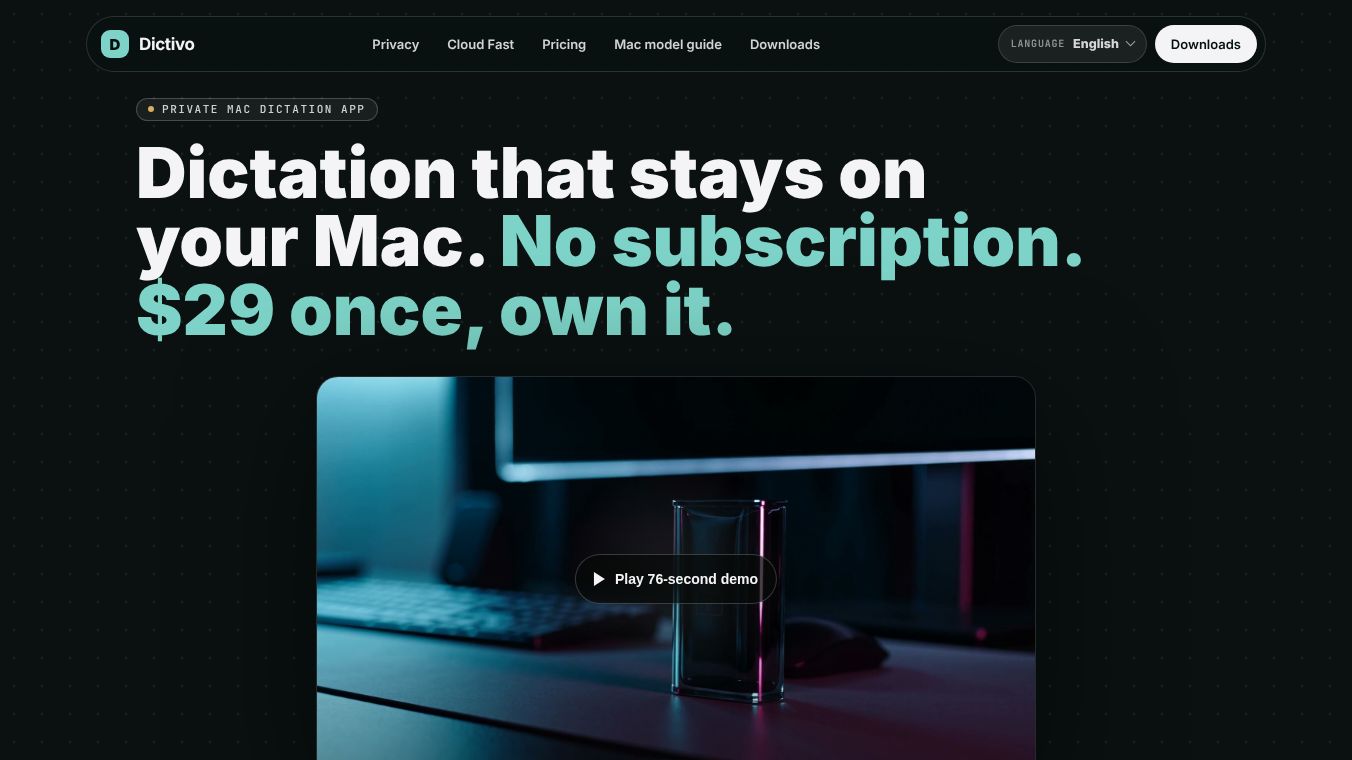
Dictivo is a dictation application built for Mac computers. It focuses on keeping user data private by processing voice recordings directly on the device instead of sending them to the cloud. The software is currently available as a public beta for Mac users, with a Windows version still in development. It offers a unique pricing model where users pay once to own the software rather than paying a monthly or yearly subscription fee.
Benefits
Dictivo offers several key advantages for users who value privacy and cost control. The main benefit is its privacy-first design. By default, all audio, transcripts, and history stay on the user's computer. No data is sent to external servers unless the user chooses to upload specific files for faster processing. This makes it ideal for sensitive work like client meetings or confidential drafting.
Another major benefit is the pricing structure. Unlike many competitors that charge high annual fees ranging from $85 to $180, Dictivo uses a one-time purchase model. The launch price is $29 for the full local version, which is significantly lower than the market average. Users also get a free basic model that works forever without any cost. The app includes automatic updates for the first year, and users can choose to renew for updates later if they wish, though the app will still work without paying extra.
The software is also easy to use and secure. It does not require users to create an account or log in to use the private features. Users can verify that no data is being sent by checking their network activity while dictating. The interface supports multiple languages, and the app automatically detects the language being spoken.
Use Cases
Dictivo is designed for a wide range of professional and personal tasks. It works well for anyone who needs to transcribe speech quickly while keeping their information safe. Common use cases include taking notes during meetings, drafting legal or medical documents, and working on client projects where data privacy is critical.
The app integrates smoothly into the user's existing workflow. Users can press a global hotkey to start speaking from any application, such as a word processor or email client. The transcript appears instantly in the active window. For tasks where speed is more important than privacy, users can manually switch to a cloud mode to get faster results. This flexibility allows users to balance privacy and performance based on their current needs.
The software is optimized for modern Macs, including those with Apple Silicon chips like the M3, M4, and M5. It also supports older Intel Macs. Users can adjust the model settings to match their hardware, starting with a daily model and switching to a larger, faster model if needed.
Pricing
Dictivo offers a clear and affordable pricing structure with options for different needs. The main product, Dictivo Local, is sold as a perpetual license for $29. This price includes access to all local models after the trial period, 12 months of updates, and the ability to use the app on up to five personal devices. After the first year, users can renew for $24 per year to continue receiving updates, but the app will function without this renewal.
There is also a free tier called Tiny. This version includes a basic on-device model that works forever. New users get a 14-day trial of the full local models. The free version also includes 10 lifetime minutes of cloud transcription.
For users who need faster processing speeds, there is a Cloud Fast subscription available for $6.99 per month. This plan provides 1,500 transcription minutes per month in addition to the 10 free minutes included with the app. This subscription can be purchased separately or alongside the main Dictivo Local license.
All purchases come with a 14-day money-back guarantee. If the software does not meet the user's needs, they can request a full refund within two weeks of purchase.
Vibes
As a public beta product, Dictivo has not yet gathered a large volume of public reviews or testimonials. However, the product has received positive attention for its commitment to privacy and its rejection of the subscription model. Early feedback suggests that users appreciate the ability to verify that no data is being sent to the cloud. The transparent approach to security and the straightforward pricing have generated interest among privacy-conscious professionals and Mac users looking for alternatives to expensive subscription services.
Additional Information
Dictivo is currently available for macOS on both Apple Silicon and Intel Macs. The Windows version is in the validation phase and is not yet available for public download. The application is signed and notarized to ensure security. It is a small download of under 25 MB. The development team is actively working on improving the software and adding new features based on user feedback during the beta period.
This content is either user submitted or generated using AI technology (including, but not limited to, Google Gemini API, Llama, Grok, and Mistral), based on automated research and analysis of public data sources from search engines like DuckDuckGo, Google Search, and SearXNG, and directly from the tool's own website and with minimal to no human editing/review. THEJO AI is not affiliated with or endorsed by the AI tools or services mentioned. This is provided for informational and reference purposes only, is not an endorsement or official advice, and may contain inaccuracies or biases. Please verify details with original sources.



Comments
Please log in to post a comment.