Cotypist
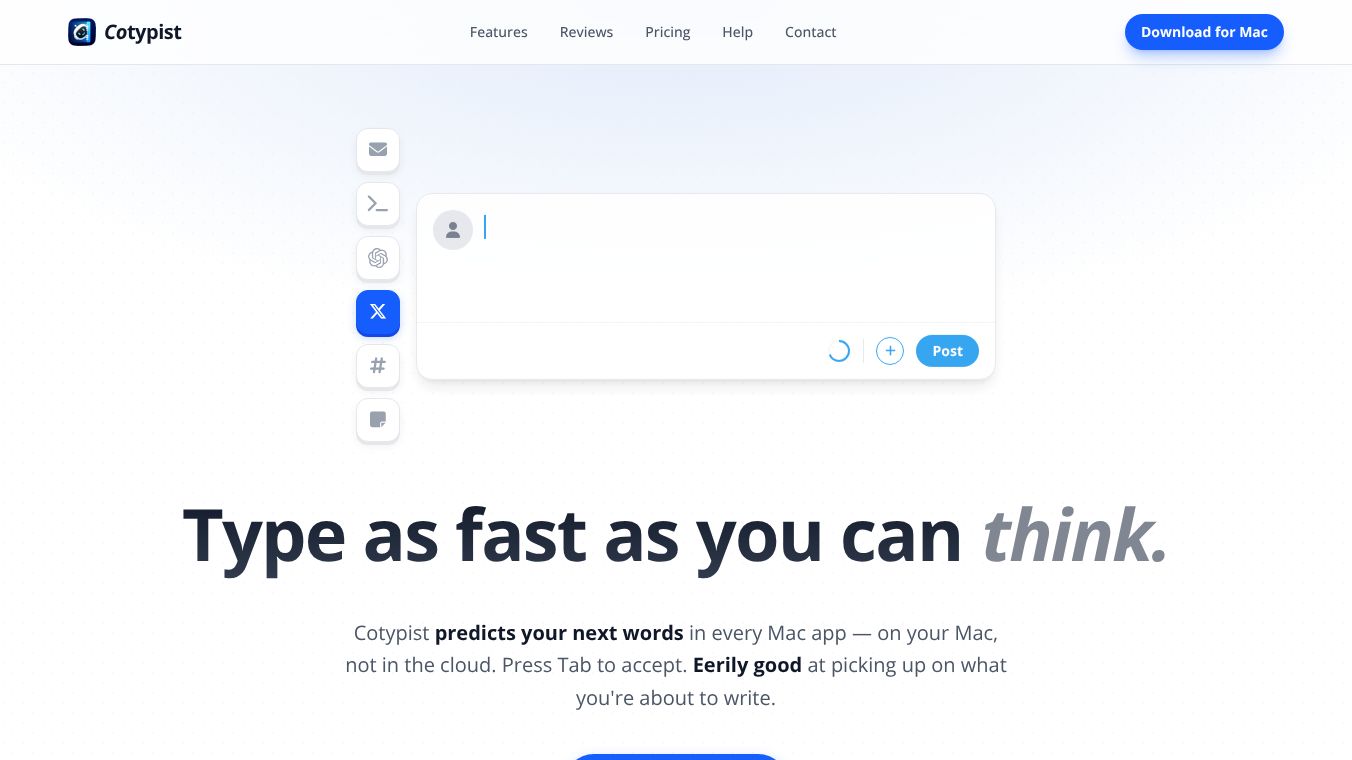





Cotypist: A Local AI Writing Assistant for macOS
Cotypist is a software application designed specifically for Mac computers. It acts as an intelligent autocomplete tool that predicts and suggests your next words while you are typing. Unlike other tools that require you to stop and ask a chatbot for help, Cotypist works in the background to help you write faster and keep your natural writing style. It runs entirely on your device, which means your data stays private and safe.
Benefits
Cotypist offers several key advantages for writers and users who need to type quickly.
- Privacy and Security:All processing happens locally on your Mac. Your words never leave your device, and they are not sent to anyone else for training purposes. This ensures your personal data remains secure.
- Real-Time Assistance:The tool suggests words as you type without interrupting your workflow. You can accept a suggestion by pressing the Tab key or simply keep typing to let it adjust to what you intended.
- Voice Preservation:Cotypist learns your vocabulary and phrasing over time. It adapts to sound like you, ensuring that your unique writing voice is not replaced by robotic text.
- Typo Correction:The app spots spelling mistakes as you type and offers inline fixes. It corrects errors like "recieve" to "receive" without showing annoying pop-ups or red squiggly lines.
- Inclusive Design:The software is built to help people with various typing challenges, including non-native English speakers, those with dyslexia, and individuals with physical limitations like hand arthritis.
Use Cases
Cotypist is useful in many different scenarios where typing is required.
- Emails:Users can craft thoughtful replies in half the time by letting the app suggest common phrases and sentences.
- Marketing and Social Media:Content creators can generate drafts quickly while maintaining the specific tone needed for their campaigns or social posts.
- Customer Support:Agents can reduce the time spent on each ticket by using the tool to speed up their responses.
- Documentation:Writers can overcome the boredom of technical documentation by having the app help them finish sentences faster.
- Coding:The tool works in coding environments like VS Code and Cursor to assist with writing prompts or code comments.
- AI Prompts:Users can generate prompts for other AI tools like ChatGPT or Claude more quickly.
Pricing
Cotypist offers a flexible pricing model that includes a free option and paid upgrades.
- Free Tier:Users get full suggestions for their first 100 completed words per day. This is suitable for casual use.
- Plus and Pro Plans:Subscription plans are available for unlimited word completions and access to additional features.
- Trial Period:Every installation includes a 30-day Pro trial. No credit card is required to start the trial.
Vibes
Users have shared positive feedback about how Cotypist improves their writing experience.
- One user described the experience as feeling like the app is reading their mind when they are typing.
- Another reviewer noted that the tool has become a must-have writing accessory because it completes sentences naturally without trying to replace their voice.
- Some users mentioned that the speed improvement could help save their wrists from carpal tunnel pain.
- Overall, the community response is very enthusiastic, with many saying they will never go back to manual typing after trying it.
Additional Information
There are some important details regarding the system requirements and setup for Cotypist.
- System Requirements:The application requires macOS 14 or higher. It only works on Apple Silicon Macs, which means Intel Macs are not supported.
- Hardware Recommendations:For the best performance, users should have an M1 Pro or M2 chip or higher with at least 16 GB of system memory.
- Installation:Setting up the app is simple. Users just need to drag the application into their Applications folder. No account creation is needed for the initial free tier.
- Resource Usage:Active usage consumes approximately 1 to 2.5 GB of RAM, which is a small amount compared to the overall system memory.
- Supported Apps:Cotypist works with most Mac apps out of the box, including Apple Mail, Slack, Messages, Notion, Obsidian, and various browsers like Safari and Chrome.
- Accessibility:Some apps like Google Docs may require enabling Accessibility mode for the tool to function correctly.
This content is either user submitted or generated using AI technology (including, but not limited to, Google Gemini API, Llama, Grok, and Mistral), based on automated research and analysis of public data sources from search engines like DuckDuckGo, Google Search, and SearXNG, and directly from the tool's own website and with minimal to no human editing/review. THEJO AI is not affiliated with or endorsed by the AI tools or services mentioned. This is provided for informational and reference purposes only, is not an endorsement or official advice, and may contain inaccuracies or biases. Please verify details with original sources.




Comments
Please log in to post a comment.