cool-buddy
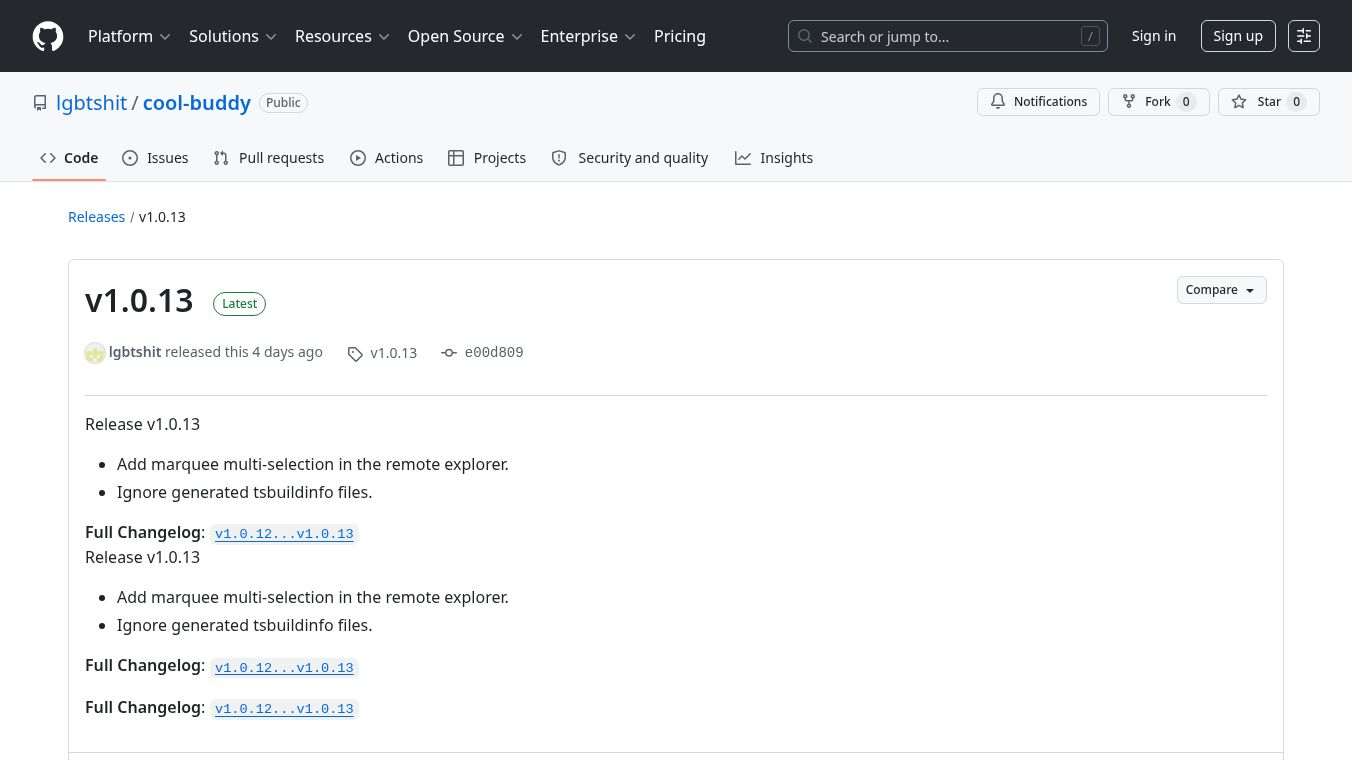





Cool Buddy: A Desktop Workspace for Server Operations
cool-buddyis a desktop application that helps people manage servers and fix computer problems from their home computers. Instead of opening many different programs like terminal windows, file managers, and log viewers, this tool puts everything in one place. It connects to remote servers using SSH and lets users run commands, check files, and read logs without leaving the main window. The app also includes an artificial intelligence assistant to help answer questions about the server status.
Benefits
- One Place for Everything:Users do not need to switch between multiple tools. All server tasks happen inside a single application window.
- Easy Session Management:The app allows users to keep several connections open at the same time. They can switch between them quickly using a tab bar at the top.
- Safe File Handling:When users paste text from their computer into the remote terminal, the app asks for confirmation first. This prevents accidental mistakes when running long scripts.
- Live Log Watching:Users can watch logs from a remote server in real time. The tool lets them track multiple log files at once and even open them in separate windows if they have multiple monitors.
- Smart AI Help:An built-in AI assistant can answer questions about the current server session. It can check if the host is healthy or analyze logs for errors.
- Automatic Updates:The software checks for new versions automatically. It downloads updates to keep the tool working with the latest security fixes and features.
Use Cases
- Daily Health Checks:System administrators can use this tool to check if servers are running properly every morning. They can see CPU usage and memory usage without opening separate dashboards.
- Remote Troubleshooting:When a server acts up, operators can connect to it and run commands directly from the app. They can also read error logs to find the cause of the problem.
- File Management:Users can browse remote folders, upload new files, or delete old ones all from within the application. They can preview file contents before downloading them.
- Team Collaboration:Development teams can use the app to manage deployments and incident responses. The multi-session feature helps them work on different servers without losing their place.
- Learning and Testing:Developers can use the tool to practice server operations in a safe environment. The AI assistant provides prompts to help them understand how to check running applications or analyze system data.
Pricing
The application is open source and available on GitHub. Users can download it for free from the official release page. There are no subscription fees or hidden costs mentioned in the project documentation.
Vibes
The project has a strong community presence on GitHub where developers share feedback and improvements. The open-source nature of the tool encourages users to contribute code and report bugs. Many users appreciate the clean interface and the ability to manage complex server tasks without cluttering their desktop with many icons. The inclusion of an AI assistant has generated interest among users who want automated help with routine server questions.
Additional Information
- Open Source:The code is publicly available on GitHub for anyone to review or modify.
- Technology Stack:The app is built with Vue 3, TypeScript, and Electron. It uses xterm.js for the terminal and ssh2 for secure connections.
- Auto-Update System:The software uses GitHub Actions to build installers for Windows, macOS, and Linux. It stores these files on Aliyun OSS and checks for updates automatically.
- Security Features:The tool supports both password and SSH key authentication. It also includes risk-tier approvals for sensitive actions to prevent accidental damage to servers.
- Internationalization:The application supports multiple languages and includes a language switcher in the top menu bar.
This content is either user submitted or generated using AI technology (including, but not limited to, Google Gemini API, Llama, Grok, and Mistral), based on automated research and analysis of public data sources from search engines like DuckDuckGo, Google Search, and SearXNG, and directly from the tool's own website and with minimal to no human editing/review. THEJO AI is not affiliated with or endorsed by the AI tools or services mentioned. This is provided for informational and reference purposes only, is not an endorsement or official advice, and may contain inaccuracies or biases. Please verify details with original sources.


Comments
Please log in to post a comment.