Comet PDF 4





CometPDF 1.1.0: A Free Tool for Private PDF Work
Introduction
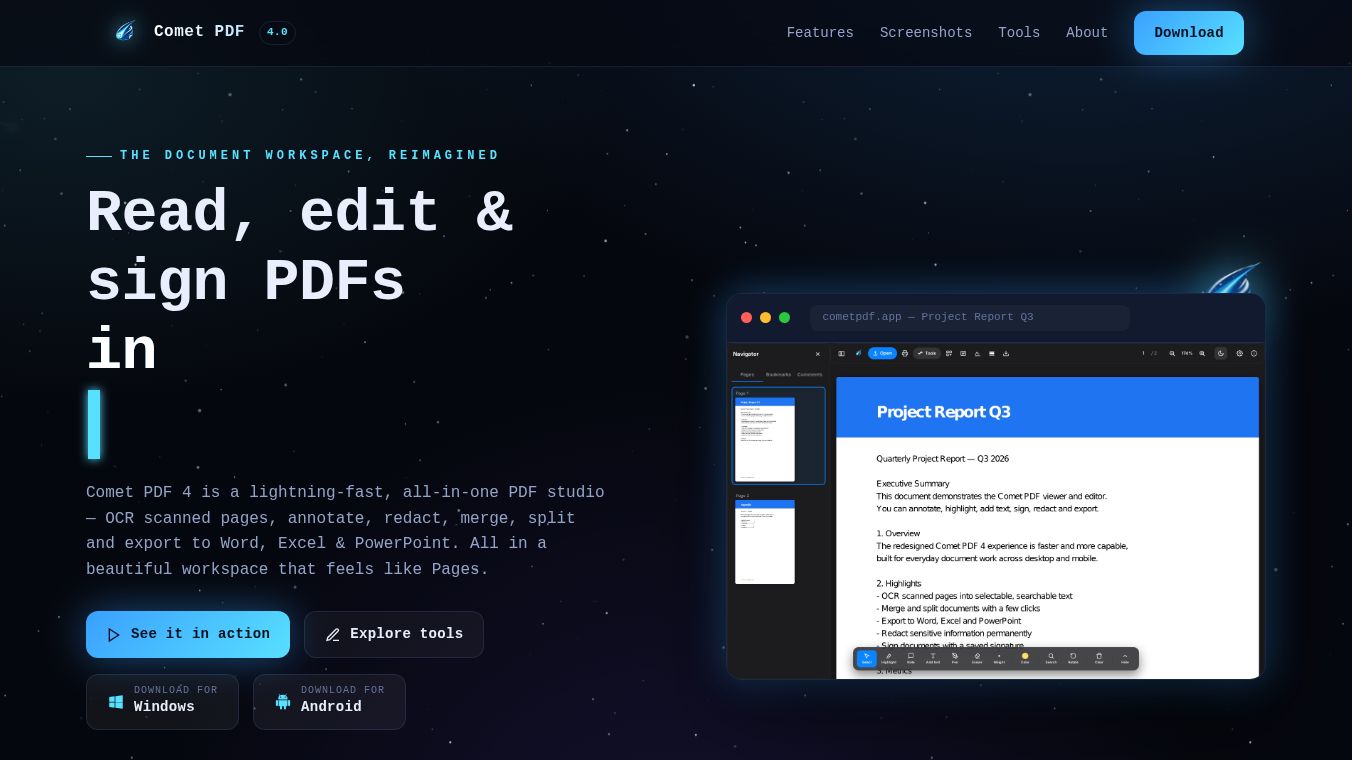
CometPDF 1.1.0 is a free software tool designed for Windows users who need to work with PDF files. It acts as a local converter, meaning it processes files directly on your computer instead of sending them to the internet. This design choice ensures that your documents stay private and secure. The tool can turn many different file types into PDFs and also pull text or images out of existing PDFs. It is a practical solution for anyone who needs to handle documents without worrying about data privacy.
Benefits
The main advantage of CometPDF is its focus on privacy. Because it works offline, no files are ever uploaded to a server. This is perfect for sensitive documents that should not leave your device. The software also offers a wide range of conversion options. Users can change PDFs into Microsoft Word documents or PowerPoint presentations. It can also turn PDF pages into image files like PNG or JPG. Another key benefit is the ability to extract text from PDFs into simple text files. The tool is completely free to use, making it accessible for students, professionals, and casual users alike.
Use Cases
CometPDF is useful in many everyday situations. A student might use it to convert a PDF textbook chapter into a Word document for easier editing. An office worker could turn a PDF report into a PowerPoint slide deck for a presentation. If someone needs to save a specific page from a PDF as an image for a website, this tool can do that quickly. It is also helpful for archiving. Users can convert various file formats into a single PDF to keep everything organized. Since the software runs locally, it is ideal for users who do not have a constant internet connection or who prefer not to share their data online.
Pricing
CometPDF 1.1.0 is available as a free download. There is no cost to install or use the basic features. The developers have mentioned that a future Pro version is planned. This paid version will include advanced features like Optical Character Recognition, file compression, and automated folder watching. However, the current free version covers most common needs for converting and extracting content from documents.
Vibes
The software has a clean and straightforward reputation among users who value privacy. Reviews highlight the fact that it does not upload files as a major selling point. Users appreciate the ability to convert documents to Office formats without losing the visual look of the original page. Some users note that the software is not yet code-signed, which means Windows might show a warning about an unknown publisher. This is a common issue for new free tools, but the developers provide clear instructions on how to bypass the warning safely. Overall, the community sees it as a reliable and secure option for local PDF work.
Additional Information
CometPDF is developed by the Comet Suite team. The latest version, 1.1.0, was released with several new export capabilities. The software is available in two formats: a standard installer for regular use and a portable ZIP file for users who do not want to install anything. Security scans show zero detections for the latest installer, indicating it is safe from known viruses. The developers are actively working on future updates to add more powerful tools for advanced users.
This content is either user submitted or generated using AI technology (including, but not limited to, Google Gemini API, Llama, Grok, and Mistral), based on automated research and analysis of public data sources from search engines like DuckDuckGo, Google Search, and SearXNG, and directly from the tool's own website and with minimal to no human editing/review. THEJO AI is not affiliated with or endorsed by the AI tools or services mentioned. This is provided for informational and reference purposes only, is not an endorsement or official advice, and may contain inaccuracies or biases. Please verify details with original sources.






 Freemium
Comments
Please log in to post a comment.