Code Solver Pro
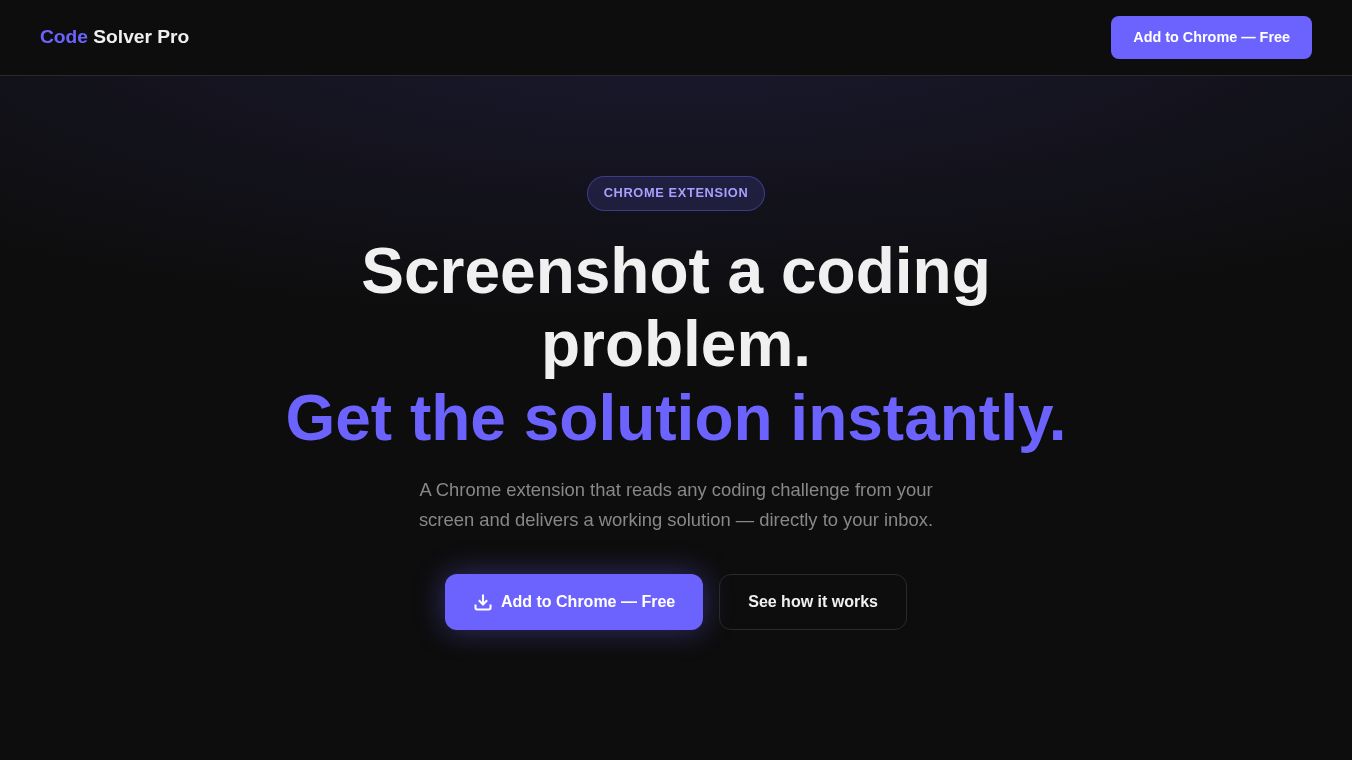





Code Solver Pro is a Chrome extension that helps people solve coding problems quickly. It is designed for students, competitive programmers, and developers who need fast answers to algorithmic challenges. Instead of typing out code or switching between tabs, users can take a picture of a problem on their screen and get a working solution immediately.
Benefits
The main advantage of this tool is its ability to understand coding problems from images. It removes the need for manual copy-pasting or entering text. The extension analyzes the screenshot and returns the correct code in seconds. It supports many programming languages including Python, JavaScript, Java, C++, Go, Rust, and SQL. Users can save their email address to receive solutions automatically. The tool also prioritizes privacy by processing screenshots and deleting them right away without storing any data. There is a free trial available so users can test the features without paying.
Use Cases
This product is useful for anyone facing coding challenges on websites like LeetCode, HackerRank, Codeforces, or CodeChef. A student studying for an exam can use it to check their work quickly. A developer working late at night can get a solution to a bug or a tricky algorithm without spending hours searching online. It works on any website where a coding problem is visible, as long as the user is using a Chrome or Chromium-based browser like Edge or Brave.
Pricing
The extension offers a free trial plan that includes two free analyses without requiring a credit card. For unlimited access, users can upgrade to the Pro plan for ten dollars per month. This plan provides three days of unlimited screenshot analyses along with all the other features like email delivery and multi-language support.
Vibes
Users appreciate the speed and convenience of getting a solution instantly. The ability to simply take a screenshot and receive code in the popup window is a major plus. Many users value the privacy aspect because they know their code is not saved anywhere. The free trial option is well received as it allows people to try the tool before committing to a subscription. Overall, the community sees it as a helpful assistant for learning and solving problems efficiently.
Additional Information
The tool is built to work on various platforms including custom coding sites. It handles standard algorithmic problems such as arrays, graphs, dynamic programming, and strings. While the accuracy is high for most problems, users are advised to review the generated code before submitting it to ensure it meets specific requirements. No account creation is necessary, as the extension identifies the device automatically. Payment options are available through Bank of Georgia for the Pro plan.
This content is either user submitted or generated using AI technology (including, but not limited to, Google Gemini API, Llama, Grok, and Mistral), based on automated research and analysis of public data sources from search engines like DuckDuckGo, Google Search, and SearXNG, and directly from the tool's own website and with minimal to no human editing/review. THEJO AI is not affiliated with or endorsed by the AI tools or services mentioned. This is provided for informational and reference purposes only, is not an endorsement or official advice, and may contain inaccuracies or biases. Please verify details with original sources.



Comments
Please log in to post a comment.