Clipport





What is Clipport?
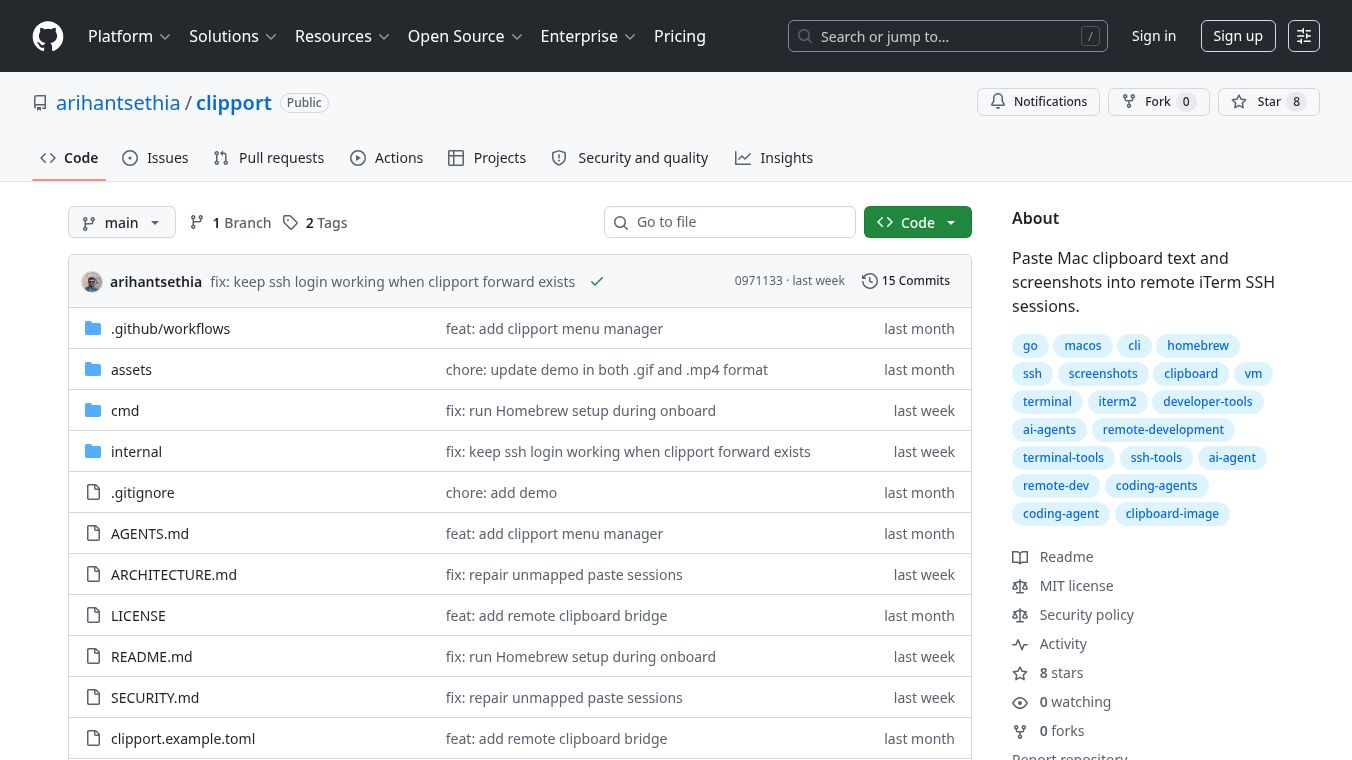
Clipport is a helpful tool for people who use macOS and the iTerm2 terminal app. It makes it much easier to share text and images between your computer and remote servers. Normally, moving files to a remote computer requires using complex commands like scp. Clipport fixes this by letting you paste directly from your clipboard into a remote terminal window just like you would on your own computer.
Benefits
Clipport offers several clear advantages for developers and power users. It removes the need to manually transfer files before running commands. You can simply copy an image or text on your Mac and paste it into a remote session instantly. The tool works automatically by detecting which terminal window you are using and what is in your clipboard. It supports both text and images, saving you from having to convert files first. The setup process is straightforward and requires only standard tools like Homebrew and passwordless SSH access. It keeps your workflow smooth by handling the technical details in the background.
Use Cases
This tool is perfect for anyone who connects to remote servers or virtual machines frequently. A common use case is pasting a screenshot of a website directly into a server terminal to show a developer. Another scenario is sending a local image file to a remote command without uploading it through a file manager. It is also useful for teams working together on different machines where they need to share quick notes or data. Developers who use passwordless SSH can set up Clipport once and use it for all their remote connections. It works well with standard terminal workflows and integrates seamlessly with existing SSH configurations.
Pricing
Clipport is free to use. It is open source software released under the MIT License. You can install it on your own computer without paying any fees or licensing costs.
Vibes
Users who have tried Clipport generally find it very useful for their daily work. The tool is praised for its simplicity and how it saves time on repetitive file transfers. Many users appreciate that it works without changing their existing terminal habits. The community around it is active, with clear documentation and helpful guides for setting up the tool. People often mention that it solves a specific pain point that other tools do not address as well.
Additional Information
Clipport is built using Go and requires macOS, iTerm2, and Homebrew to run. It needs passwordless SSH access to the remote machines you want to connect to. The tool stores its configuration in a simple text file and uses a small menu bar app to manage the connection. It is maintained by a developer named arihantsethia on GitHub. The project includes a test mode to verify that the image transfer works correctly before you use it in real situations. The code is available for anyone who wants to study or contribute to the project.
This content is either user submitted or generated using AI technology (including, but not limited to, Google Gemini API, Llama, Grok, and Mistral), based on automated research and analysis of public data sources from search engines like DuckDuckGo, Google Search, and SearXNG, and directly from the tool's own website and with minimal to no human editing/review. THEJO AI is not affiliated with or endorsed by the AI tools or services mentioned. This is provided for informational and reference purposes only, is not an endorsement or official advice, and may contain inaccuracies or biases. Please verify details with original sources.
Other Interesting AI Tools

Comments
Please log in to post a comment.