Cleo
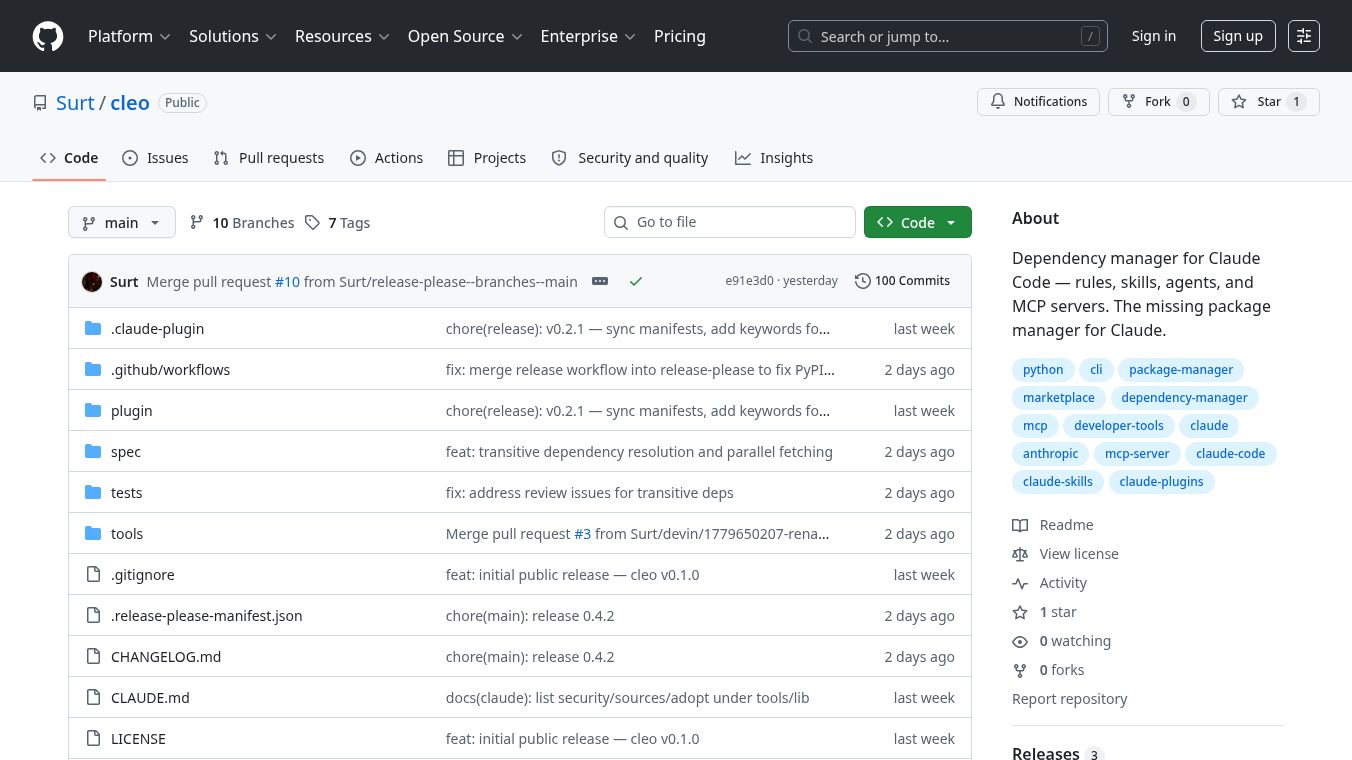





Cleo is a tool designed to help teams manage rules, skills, agents, and other configurations within the Claude Code ecosystem. It works like a dependency manager, ensuring that everyone on a team uses the same versions of tools and settings. Cleo allows users to install, update, and track these items without needing a central server or registration. The system resolves package names directly to their GitHub locations by default, making it easy to start using new features.
Benefits
Cleo offers several important advantages for teams working with Claude Code. First, it ensures reproducibility. Every installation is checked for safety, and versions are locked to specific commit hashes in a file called cleo.lock. This means the setup will be exactly the same on every machine and can be reviewed for changes. Second, Cleo prioritizes safety by validating package names, file types, and hook sizes before installation. It does not sign packages or scan content, but it relies on the user and Claude Code permission models to handle those tasks. Third, Cleo avoids vendor lock-in. Users can switch back to other tools like npx skills with a single git command. Existing skills remain untouched, and Cleo can register old directories without moving or rewriting files. Finally, it supports parallel fetching to speed up installations by running git clones and fetches in the background.
Use Cases
Cleo is best used by teams that want to standardize their Claude Code environments. It is useful for managing shared rules, skills, and agents across different projects. Developers can use Cleo to add new packages to their workspace using simple commands like cleo require. Teams can also use it to update their dependencies regularly with cleo update to keep everything current. It works well for both local projects and global settings, allowing users to define requirements that apply to specific repositories or their entire machine. Teams can configure Cleo to pull packages from different sources like GitLab or private hosts by setting up custom repositories in their configuration file. It is also helpful for adopting existing skills installed by other tools, as Cleo can scan and register them automatically.
Pricing
Pricing information is not available for Cleo. It is an open-source tool available for free.
Vibes
Public reviews or testimonials are not available for Cleo based on the provided information.
Additional Information
Cleo is developed by Erik Wiesenthal and is hosted on GitHub at https://github.com/Surt/cleo. It is built with Python 3.9 or higher and requires git and pyyaml to run. The project is released under a license, though the specific type is not detailed in the source text. Cleo follows a standard versioning policy where major updates indicate breaking changes, minor updates add new features, and patch updates fix bugs. The tool does not require a central server or registration to function, allowing for a decentralized approach to dependency management.
This content is either user submitted or generated using AI technology (including, but not limited to, Google Gemini API, Llama, Grok, and Mistral), based on automated research and analysis of public data sources from search engines like DuckDuckGo, Google Search, and SearXNG, and directly from the tool's own website and with minimal to no human editing/review. THEJO AI is not affiliated with or endorsed by the AI tools or services mentioned. This is provided for informational and reference purposes only, is not an endorsement or official advice, and may contain inaccuracies or biases. Please verify details with original sources.

Comments
Please log in to post a comment.