Bugpilot
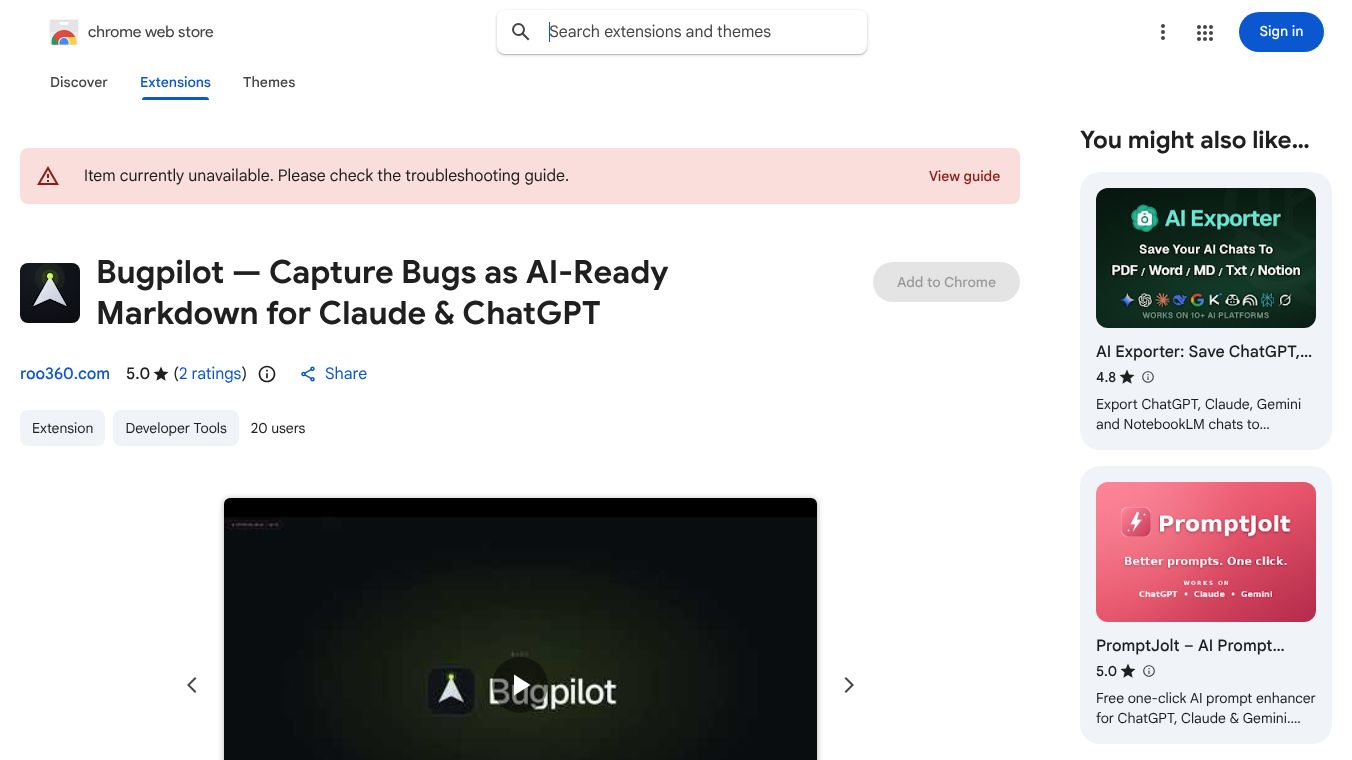





Bugpilot: Capture Browser Bugs and Paste into Any AI
Overview
Bugpilot is a Chrome extension built for developers who use artificial intelligence to fix code problems. It solves the common frustration of having to manually copy and paste error messages from a browser. Instead, the tool automatically records the entire state of a webpage, including console errors, network requests, and the page structure. It then packages all this information into a single Markdown file that can be pasted directly into any AI assistant. This process helps developers diagnose and fix issues much faster.
Benefits
Bugpilot offers several key advantages for software engineers and testers. First, it saves significant time by removing the need for manual data entry. Users can simply click record, reproduce the bug, and stop. Second, it ensures data privacy through a local-first design. All recording happens inside the user's browser, meaning no data is sent to external servers. The tool also automatically hides sensitive information like passwords, credit card numbers, and API keys. Third, it provides structured output. The generated reports are organized in a way that AI models can easily understand, leading to more accurate bug diagnoses. Finally, the Pro version offers advanced features like capturing the internal state of React applications, which helps with complex debugging tasks.
Use Cases
This tool is ideal for developers working on web applications who rely on AI to assist with coding. It is useful when a website behaves unexpectedly and the error message is not clear. A developer can activate the tool, perform the actions that cause the crash, and then paste the report into an AI chatbot like ChatGPT or Claude. The AI can then analyze the logs and network data to suggest a fix. It works on any website accessible through Chrome, including local development servers and live production sites. It is particularly helpful for teams that want to share bug reports with AI tools or other developers without sending large amounts of raw data.
Pricing
Bugpilot uses a one-time payment model with no monthly subscriptions. There is a free version available forever that includes the core recording engine, automatic data redaction, and a history of the last ten sessions. For users who need more power, there is a Pro Lifetime plan priced at $28. This one-time fee unlocks advanced features such as unlimited history, the ability to compare past bugs, and specialized export formats optimized for different AI models. The Pro plan also includes detailed state capture for React frameworks and a 14-day refund guarantee.
Vibes
While there are no specific public reviews or testimonials included in the provided information, the product description highlights a strong focus on user privacy and developer efficiency. The emphasis on local processing and automatic redaction suggests a design that respects user security. The streamlined workflow of three clicks indicates an effort to reduce friction in the debugging process. The availability of a refund period for the Pro plan shows confidence in the product's value to users.
Additional Information
Bugpilot is developed with a strict privacy-first approach. It does not require users to create an account or log in. All data is stored locally in the browser using IndexedDB. The tool is compatible with various types of URLs, including localhost and file paths. However, users should note that Chrome allows only one debugging extension per tab. If the user has Chrome DevTools open, Bugpilot may fall back to capturing only console logs. In such cases, users are advised to close DevTools to enable full functionality. The tool also displays a transparency banner in Chrome to confirm it is actively debugging the tab, which is a standard permission notice and not a security warning.
This content is either user submitted or generated using AI technology (including, but not limited to, Google Gemini API, Llama, Grok, and Mistral), based on automated research and analysis of public data sources from search engines like DuckDuckGo, Google Search, and SearXNG, and directly from the tool's own website and with minimal to no human editing/review. THEJO AI is not affiliated with or endorsed by the AI tools or services mentioned. This is provided for informational and reference purposes only, is not an endorsement or official advice, and may contain inaccuracies or biases. Please verify details with original sources.



Comments
Please log in to post a comment.