Bookmarker
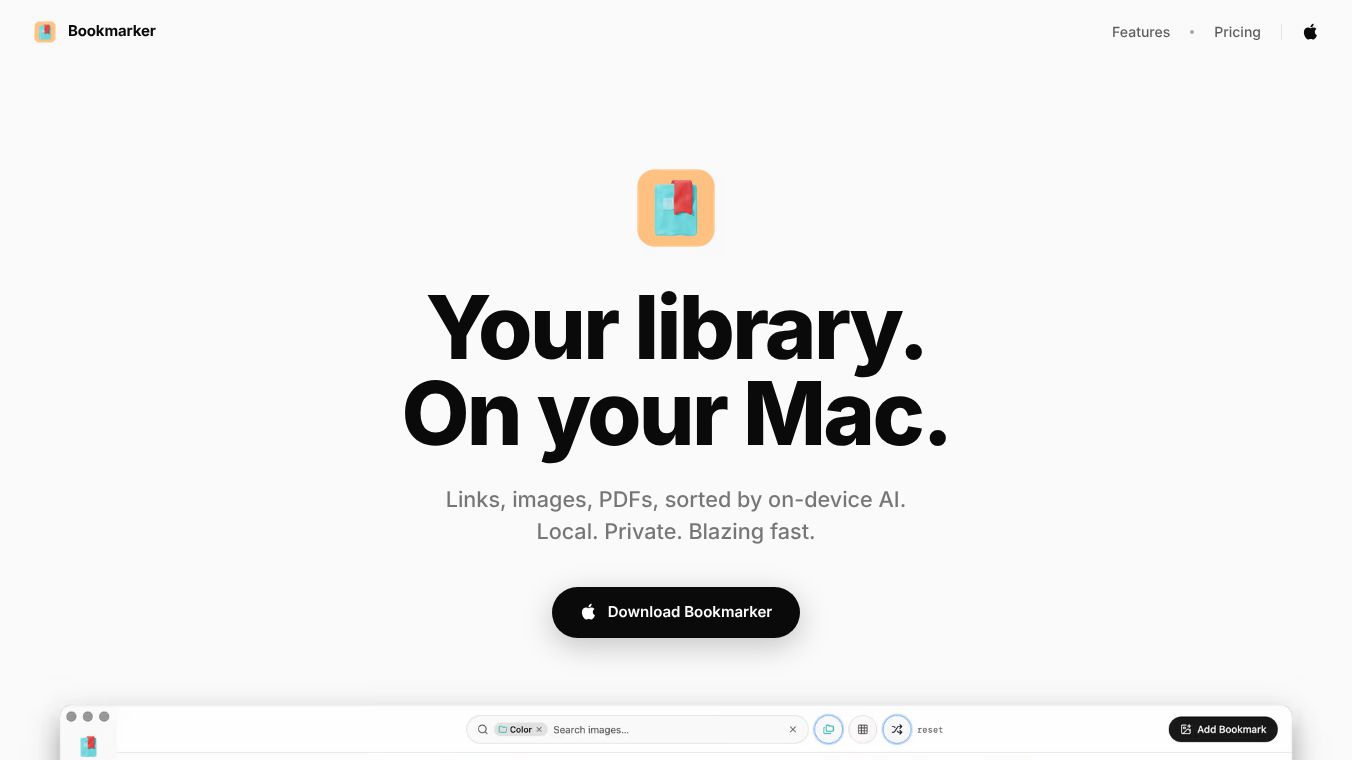





Bookmarker: Your Private, Local-First Library for Mac
Bookmarker is a dedicated library application designed for macOS that allows users to save, find, and organize links, images, and PDFs. Built with a focus on privacy, speed, and simplicity, it operates entirely on the user's device without requiring cloud accounts or subscriptions.
Benefits
Bookmarker offers several key advantages for users who value their data and performance. The application provides a unified library where users can store web links, screenshots, and folders of PDFs in one place. It features full-text search capabilities that work offline and return results instantly. One of its most powerful features is the use of on-device AI to automatically tag and summarize every saved item. This organization happens locally on the machine, ensuring that no data is sent to external servers for processing. The app also includes advanced tools like the ability to extract color palettes from images and highlight or annotate text within PDFs and articles. Users enjoy a distraction-free reading view that is free of ads, banners, or pop-ups. Additionally, the application is built natively for Apple Silicon and Intel processors, offering optimized performance on modern Macs.
Use Cases
Bookmarker is ideal for anyone who wants to keep their digital content private and accessible without relying on the internet. Students and researchers can use it to save and summarize academic articles and PDFs for quick reference. Professionals can organize project-related links and images in a secure local database. Writers and designers can extract color codes from images and annotate documents directly within the app. The application is also useful for people who want to migrate their existing bookmarks from services like Pocket or Raindrop into a single, private location. Since the entire library resides on the local database, it is perfect for users who work in environments with limited internet access or who simply prefer not to store personal data in the cloud.
Pricing
Bookmarker costs $99 as a one-time fee. This grants the user the app forever, including free updates. There are no recurring subscriptions. While on-device features are free, users who wish to access deeper cloud-based image vision can add their own API key, such as for Google Gemini. In this scenario, the user pays the provider directly at cost, and the data is sent only to that specific provider.
Vibes
Bookmarker positions itself as a fast, private, and permanent solution for managing digital content on Mac. By emphasizing user control and local processing over cloud dependency, it appeals to privacy-conscious individuals who want a reliable tool for organizing their digital life without the hassle of managing accounts or worrying about data leaks.
Additional Information
The developer offers a refund policy for users who find the application unsuitable. Full terms are available on their refund page. The application requires macOS 13 or later to run. Users can import data from other services such as Pocket, Raindrop, browser bookmarks, or local PDF folders with a single click. All imported data remains local unless the user explicitly chooses to add a cloud API key for specific vision features.
This content is either user submitted or generated using AI technology (including, but not limited to, Google Gemini API, Llama, Grok, and Mistral), based on automated research and analysis of public data sources from search engines like DuckDuckGo, Google Search, and SearXNG, and directly from the tool's own website and with minimal to no human editing/review. THEJO AI is not affiliated with or endorsed by the AI tools or services mentioned. This is provided for informational and reference purposes only, is not an endorsement or official advice, and may contain inaccuracies or biases. Please verify details with original sources.




Comments
Please log in to post a comment.