BlackFlare
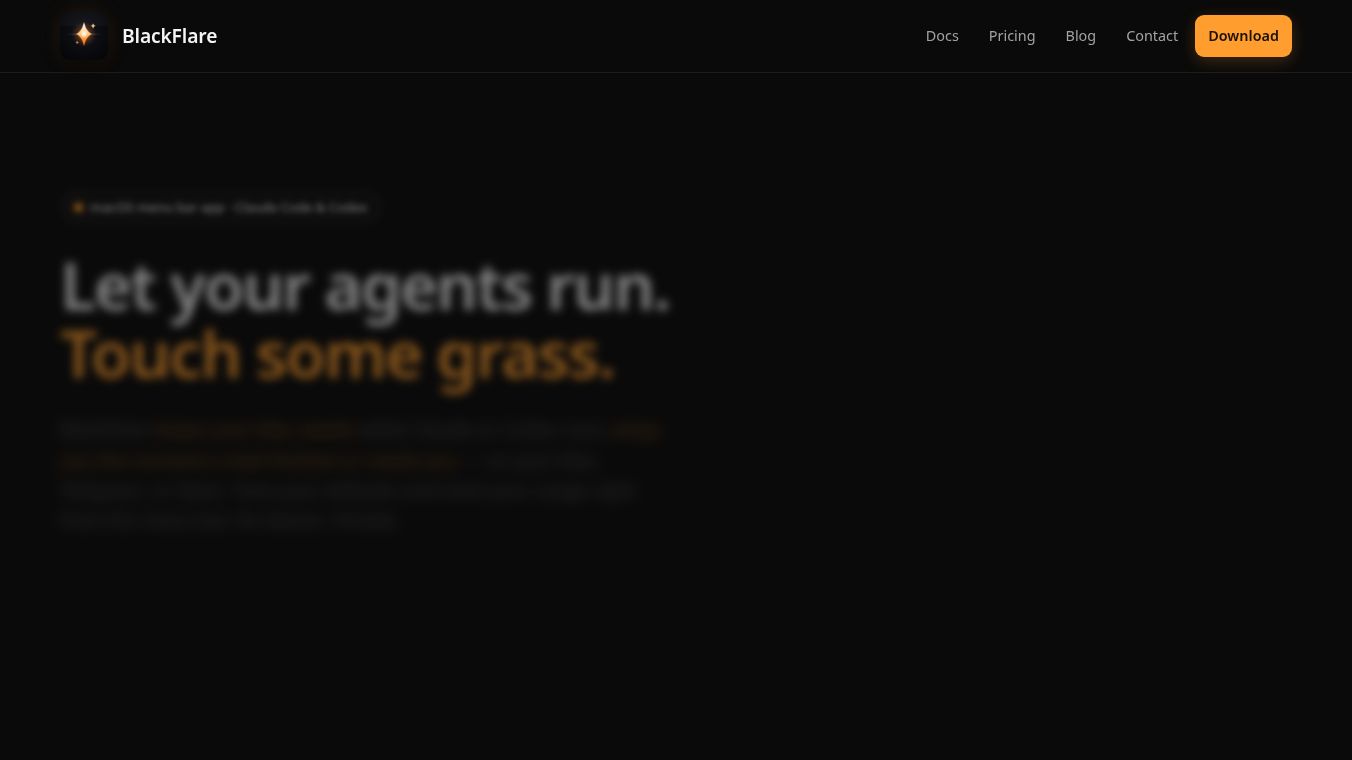





BlackFlare: Keep Your AI Agents Running While You Touch Some Grass
BlackFlare is a small application for Mac computers that helps users manage long-running AI tasks. It acts as a watchful guardian for developers who use tools like Claude Code or Codex. The main problem it solves is that Mac computers often go to sleep when left alone, which can stop important coding tasks from finishing. BlackFlare keeps the computer awake only when these specific AI sessions are active. Once the task is done, the computer returns to its normal sleep settings. This allows developers to step away from their desks to take a break or handle other things without worrying about their work getting interrupted.
Benefits
BlackFlare offers several key advantages for anyone working with AI coding tools. First, it prevents system sleep during critical tasks. This ensures that overnight refactors or long test runs do not stall halfway through. Second, it provides instant notifications. The app alerts users immediately when an AI session finishes or when the system needs human input. Third, it offers flexible notification routing. Users can choose to receive alerts on their phone via Telegram or Slack. There is also an "Only When Away" mode that keeps the app quiet at the desk and only pings the user once they have actually left their workspace. Finally, it provides centralized control. Users can set default settings for models and permissions directly from the menu bar and track their usage limits to avoid surprises.
Use Cases
BlackFlare is designed for developers and technical users who run long AI sessions on their Macs. It works well when a developer starts a complex coding task in the terminal or inside an IDE like VS Code or JetBrains. The user can then walk away to grab coffee, take a lunch break, or go for a walk. While they are away, BlackFlare ensures the Mac stays awake so the AI can finish its work. When the task is complete, the user gets a notification on their phone or computer. This is also useful for teams that want to know when a remote developer finishes a task without constantly checking their own screens. The app supports both Apple Silicon and Intel Macs running macOS 13 or later.
Pricing
The provided article does not contain specific pricing details for BlackFlare. It mentions that the app is free to install and use, but no subscription costs or tiered pricing plans are listed in the source text.
Vibes
The article does not include specific user reviews, testimonials, or public reception data. However, the description suggests a positive reception by highlighting the app's focus on privacy and its ability to solve a common pain point for developers. The tone of the description implies that users appreciate the convenience of not having to babysit their terminal while waiting for AI tasks to complete.
Additional Information
BlackFlare is built with privacy as a core principle. It runs entirely on the user's Mac and does not collect any data, analytics, or telemetry. The app requests only one permission: read-only access to the macOS Keychain. This allows it to read the user's Claude token to display usage limits. The token is never written or sent anywhere except to Anthropic, the company that provides the AI service. The application is a universal build, meaning it works on both Apple Silicon and Intel chips. Installation is simple and involves dragging the app to the Applications folder and granting the necessary permissions for notifications and keychain access.
This content is either user submitted or generated using AI technology (including, but not limited to, Google Gemini API, Llama, Grok, and Mistral), based on automated research and analysis of public data sources from search engines like DuckDuckGo, Google Search, and SearXNG, and directly from the tool's own website and with minimal to no human editing/review. THEJO AI is not affiliated with or endorsed by the AI tools or services mentioned. This is provided for informational and reference purposes only, is not an endorsement or official advice, and may contain inaccuracies or biases. Please verify details with original sources.
Comments
Please log in to post a comment.