Best CapCut and Premiere Pro Tools 2026.
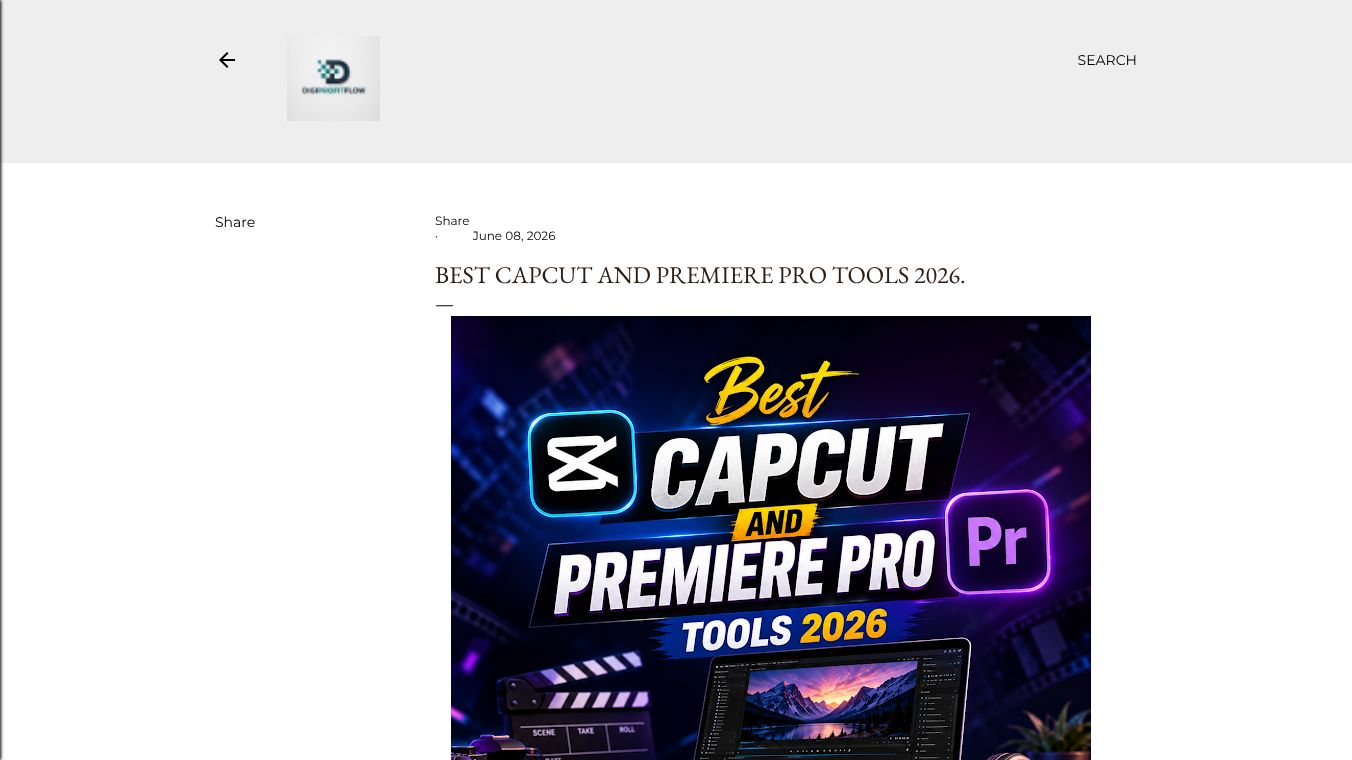





CapCut Desktop Pro 2026 vs. Adobe Premiere Pro: Which Is Better for Social Media Creators?
CapCut Desktop Pro 2026 and Adobe Premiere Pro represent fundamentally different approaches to video editing. CapCut is built for speed and accessibility, leveraging AI to handle heavy lifting while the creator directs. Premiere Pro is built for control and precision, where the editor makes every decision and AI assists only when requested. For social media creators, the choice between these industry standard and emerging powerhouses is significant. This analysis breaks down where each tool wins, loses, and draws based on the specific demands of social media content creation.
Benefits
The gap in AI automation is significant, with CapCut leading in automation capabilities. CapCut offers full auto-edit from raw footage, while Premiere Pro only provides scene detection and suggestions. CapCut supports auto captions in over 100 languages with emotion-aware styling, whereas Premiere Pro supports speech-to-text in 18 languages. CapCut allows users to create custom effects using natural language, while Premiere Pro relies on Firefly integration for generative fills. CapCut also features one-click AI background removal, while Premiere Pro requires masking or After Effects for the same task. CapCut includes automatic scene matching for color correction, while Premiere Pro offers AI color match as an option. CapCut provides noise removal and voice isolation for audio, while Premiere Pro offers enhanced speech and audio remixing. CapCut generates beat-synced background music, while Premiere Pro lacks native AI music generation.
For precision editing, complex projects, and advanced techniques, Premiere Pro holds a distinct advantage. Premiere Pro supports unlimited tracks, while CapCut supports up to 12 tracks. Premiere Pro offers advanced keyframe curves, while CapCut provides basic keyframes. Premiere Pro supports full nesting, while CapCut does not support nested sequences. Premiere Pro can handle up to 64 camera angles for multi-cam editing, while CapCut does not support this feature. Premiere Pro offers sub-frame level clip trimming, while CapCut provides frame-level trimming. Premiere Pro supports full adjustment layers, while CapCut does not. Premiere Pro offers full control via Essential Graphics and After Effects for motion graphics, while CapCut only provides templates.
Speed is critical for creators publishing daily. The following table illustrates the time required to produce a 60-second Instagram Reel (product review):
| Step | CapCut | Premiere Pro |
|---|---|---|
| Import footage | 1 min | 2 min |
| Edit assembly | 3 min (AI Auto-Edit) | 25 min (manual) |
| Effects and transitions | 2 min (AI suggestions) | 10 min |
| Captions | 1 min (auto) | 8 min (speech-to-text + styling) |
| Color correction | Auto | 5 min |
| Audio mixing | Auto | 5 min |
| Export | 2 min | 3 min |
| Total | ~10 min | ~58 min |
For standard social media content, CapCut is roughly 5-6x faster. While Premiere Pro offers superior technical specifications, most social media platforms compress uploads to 1080p H.264, making this advantage less relevant for social media specifically. Premiere Pro supports up to 8K resolution and various codecs like ProRes and DNxHR, while CapCut supports up to 4K with H.264 and H.265. Premiere Pro offers full HDR10 and Dolby Vision support, while CapCut has limited HDR export. Premiere Pro supports up to 120fps, while CapCut supports up to 60fps. Premiere Pro allows direct publishing to TikTok, Instagram, and YouTube, while CapCut requires manual upload or Frame.io. Premiere Pro offers full batch export with presets, while CapCut has limited batch export.
The pricing structure heavily favors CapCut, especially for individual creators. CapCut offers a free tier with a full editor, 1080p export, and no watermark. Premiere Pro does not offer a free tier, only a 7-day trial. CapCut Pro costs $7.99 per month, while Premiere Pro costs $22.99 per month. The annual cost for CapCut Pro is about $95.88, while Premiere Pro is $263.88 per year. CapCut offers a team plan, while Premiere Pro team plans cost $37.99 per user per month. Neither tool offers a one-time purchase option.
CapCut can be used productively within 15 minutes by someone with no editing experience. The interface is designed around templates and AI automation. Premiere Pro requires a minimum of 10-20 hours of learning to produce basic content competently. Proficiency takes weeks to months. CapCut is designed for accessibility, while Premiere Pro is designed for professionals.
Use Cases
Despite CapCut's dominance in social media speed, Premiere Pro remains essential for specific professional needs. Premiere Pro is the industry standard for corporate clients, agencies, and broadcast. Deliverables often require specific codecs, color spaces, and quality specifications that CapCut cannot meet. For content longer than 10-15 minutes, Premiere Pro's timeline management, nesting capabilities, and performance with large projects are significantly better suited. CapCut struggles with complex, longer projects. Premiere Pro's integration with Adobe Audition or its built-in Essential Sound panel offers professional audio mixing, EQ, compression, and noise reduction that far exceeds CapCut's capabilities. While CapCut's auto color correction is impressive for quick content, Premiere Pro's Lumetri Color panel offers professional-grade color grading with scopes, curves, color wheels, and HSL secondary adjustments. Through Essential Graphics templates and integration with After Effects, Premiere Pro offers custom motion graphics capabilities that CapCut's template system cannot replicate.
CapCut is the superior choice for the following scenarios. It is ideal for daily social media publishing. For creators publishing one or more short-form videos per day, CapCut's speed advantage is decisive. A creator using CapCut can produce 5 videos in the time it takes to produce one in Premiere Pro. CapCut is perfect for trend responsiveness. Social media trends move fast, often peaking and fading within 48 hours. CapCut's AI Auto-Edit and template system allow creators to respond to trends in real time. CapCut removes the barrier to entry for creators without technical backgrounds, such as small business owners, educators, and hobbyists. CapCut offers seamless sync between mobile and desktop versions. Premiere Pro's mobile story, Adobe Rush, is significantly less capable. CapCut's auto captions system, which supports over 100 languages, emotion-aware styling, and custom brand fonts, is the best in any video editor.
Many professional social media creators utilize a hybrid workflow. They use CapCut for daily social media content like TikTok, Reels, and Shorts. They use Premiere Pro for hero content, client work, and long-form YouTube videos. This approach leverages each tool's strengths: CapCut handles volume, while Premiere Pro handles quality-critical projects.
Pricing
The pricing structure heavily favors CapCut, especially for individual creators. CapCut offers a free tier with a full editor, 1080p export, and no watermark. Premiere Pro does not offer a free tier, only a 7-day trial. CapCut Pro costs $7.99 per month, while Premiere Pro costs $22.99 per month. The annual cost for CapCut Pro is about $95.88, while Premiere Pro is $263.88 per year. CapCut offers a team plan, while Premiere Pro team plans cost $37.99 per user per month. Neither tool offers a one-time purchase option.
Vibes
For social media content creation in 2026, CapCut Desktop Pro is the better tool for most creators. It is faster, cheaper, easier to learn, and its AI features are specifically designed for the short-form content that dominates social platforms. Premiere Pro remains the superior tool for professional, long-form, and commercial production. The deciding factor is usually this: how much of your content is short-form social media? If the answer is most of it, CapCut is the better choice. If you regularly produce long-form, client, or broadcast content alongside social media, Premiere Pro's versatility justifies its cost and learning curve.
Additional Information
Who Should Choose CapCut includes social media creators publishing daily, small business owners creating marketing content, beginners with no editing experience, creators focused exclusively on short-form content, budget-conscious creators who need professional results at no cost, and educators and students. Who Should Choose Premiere Pro includes professional video editors and freelancers, creators producing long-form YouTube content, anyone doing client or commercial work, creators who need advanced color grading or motion graphics, teams working in a professional production pipeline, and broadcast and film production.
This content is either user submitted or generated using AI technology (including, but not limited to, Google Gemini API, Llama, Grok, and Mistral), based on automated research and analysis of public data sources from search engines like DuckDuckGo, Google Search, and SearXNG, and directly from the tool's own website and with minimal to no human editing/review. THEJO AI is not affiliated with or endorsed by the AI tools or services mentioned. This is provided for informational and reference purposes only, is not an endorsement or official advice, and may contain inaccuracies or biases. Please verify details with original sources.




 No Info
Comments
Please log in to post a comment.