AuraSniff
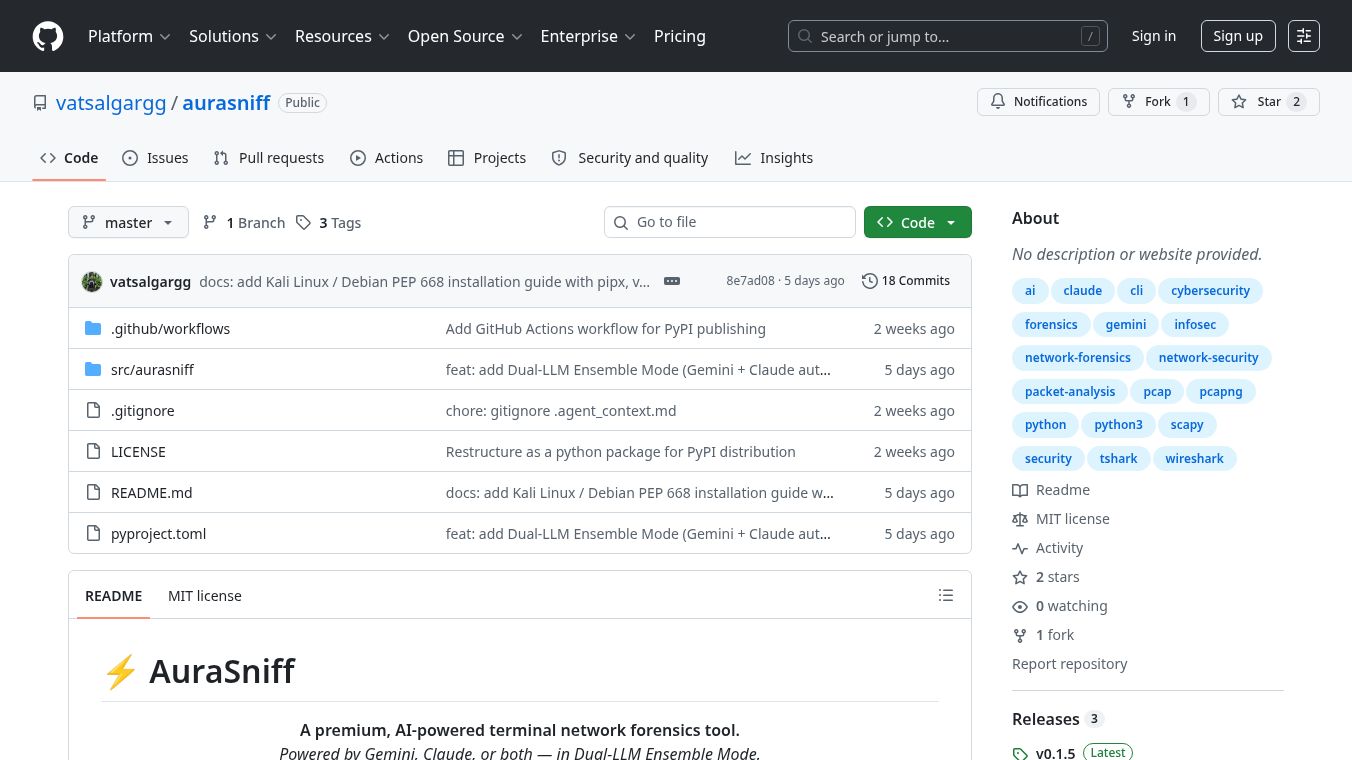





AuraSniff: A Premium, AI-Powered Terminal Network Forensics Tool
Research context and background
AuraSniff is a professional-grade, zero-dependency Command Line Interface (CLI) network forensics tool designed to run entirely within your terminal. It eliminates the need for heavy installations like Wireshark or graphical user interfaces (GUIs). By simply running aurasniff
Benefits
AuraSniff offers a comprehensive suite of capabilities for network traffic analysis. It provides zero-dependency parsing that streams PCAP and PCAPNG files locally using Scapy, requiring no external GUI dependencies. The tool automatically correlates IP addresses with visited websites by combining data from DNS queries, HTTP headers, and TLS records. It can extract plaintext login credentials from unencrypted protocols including HTTP-POST, FTP, SMTP, POP3, and IMAP. The security anomaly engine detects and flags security threats such as port scanning, ARP spoofing, DNS tunneling, and the presence of cleartext passwords. It supports Gemini, Claude, and GPT-4o out of the box. A unique feature is the Dual-LLM Ensemble Mode that chains Gemini and Claude together for maximum analytical power. It provides a layer-by-layer tree view with color-coded Hex and ASCII dumps for any specific packet. If no API keys are configured, the tool utilizes smart keyword routing to answer queries regarding credentials, DNS, and alerts without internet access.
The Dual-LLM Ensemble Mode is the most powerful configuration. This mode is activated automatically when both a Gemini API key and a Claude API key are configured. The system utilizes a specialized pipeline to leverage the unique strengths of each model. Gemini acts as a fast capture scanner using its large context window to read the entire PCAP summary in one pass and generate a precise packet filter. The local engine applies Gemini's generated filter to the raw packet database with zero latency to retrieve only the relevant packets. Claude then acts as the forensic analyst, receiving the exact matched packets to perform deep threat analysis, pattern detection, and structured risk reporting.
API keys are stored securely in the OS keychain on Windows, macOS, and Linux and are never written to disk in plain text. Environment variables are also supported for CI/CD pipelines.
Use Cases
AuraSniff is ideal for security professionals, network administrators, and forensic analysts who need to quickly investigate network traffic without the overhead of traditional GUI tools. It can be used to analyze network captures from security incidents, audits, or routine monitoring. Users can open a file directly to render a dashboard and drop into an AI shell for interactive analysis. Specific subcommands allow users to enter an interactive AI shell, run a one-shot dashboard analysis, or ask a single natural language question without entering the shell.
Inside the interactive shell, users can execute specific commands or ask questions in plain English. They can display a map of all IPs to visited websites, filter the website map to a specific IP or hostname, show all extracted plaintext credentials, display detected security anomalies, view the full DNS query log, list HTTP connections and status codes, or show the Hex dissection of a specific packet. Users can also ask natural language questions like Is there any suspicious traffic, Which websites did the laptop visit, Show me login credentials found in the capture, Did any device do a port scan, What did a specific IP address do, or Summarise the top security threats.
Upon running the tool, users are presented with a terminal-based dashboard containing a capture summary, a protocol distribution bar chart, a table of extracted credentials, a severity-coded list of detected threats, an IP to website map, and a detailed view of specific packet layers with Hex and ASCII representations.
Pricing
AuraSniff is released under the MIT License, indicating it is free and open-source software. There are no subscription fees or licensing costs mentioned for the base tool or its features.
Vibes
The tool is designed for efficiency and power. Users appreciate the ability to get deep insights from network captures without installing bulky software. The integration of multiple AI models allows for both speed and depth in analysis. The offline fallback capability ensures that basic analysis can continue even without an internet connection. The secure handling of API keys and the local processing of data build trust with users concerned about privacy and data security.
Additional Information
AuraSniff is available for Windows, macOS, and Linux. Installation is straightforward using pip, with optional features for GPT-4o support available via pip install aurasniff[openai]. For Kali Linux, Debian, or Ubuntu, users can use pipx or a virtual environment to avoid system Python protection issues. The tool cannot decrypt TLS or HTTPS traffic without a session key log, so it is most effective for analyzing unencrypted protocols or traffic captured via local unencrypted services.
This content is either user submitted or generated using AI technology (including, but not limited to, Google Gemini API, Llama, Grok, and Mistral), based on automated research and analysis of public data sources from search engines like DuckDuckGo, Google Search, and SearXNG, and directly from the tool's own website and with minimal to no human editing/review. THEJO AI is not affiliated with or endorsed by the AI tools or services mentioned. This is provided for informational and reference purposes only, is not an endorsement or official advice, and may contain inaccuracies or biases. Please verify details with original sources.





Comments
Please log in to post a comment.