Aura Cast
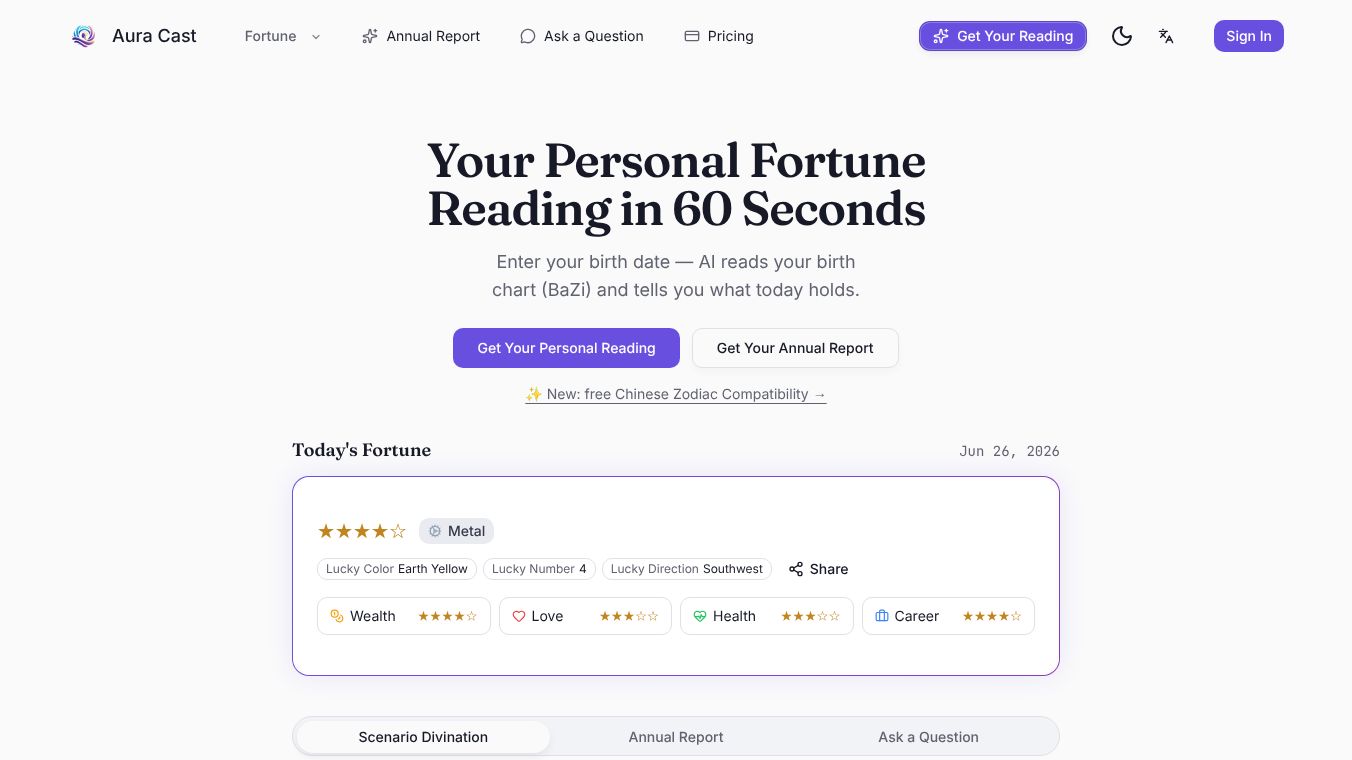





What is Aura Cast
Aura Cast is a software tool designed to help people share their screens and audio with others in real time. It works like a digital window that lets users show what is on their computer or mobile device to a group of people. The platform is built to make sharing easy and reliable without needing complex setups. It supports various devices including computers, tablets, and smartphones. This makes it useful for anyone who needs to present information or collaborate with others remotely.
Benefits
One of the main advantages of Aura Cast is its simplicity. Users can start sharing their screen with just a few clicks. There is no need to install heavy software or configure complicated settings. The tool also ensures that the audio from the presenter is heard clearly by everyone in the meeting. This helps avoid the common issue where people can see the screen but cannot hear the speaker. Another key benefit is its ability to work across different devices. Whether the presenter is on a laptop or a phone, the audience can join from their preferred device. This flexibility makes it a strong choice for teams that work in different locations. The platform also supports large groups, allowing hundreds of people to view the shared content at once. This scalability is useful for webinars, training sessions, and large team meetings.
Use Cases
Aura Cast is suitable for many situations where visual and audio sharing is needed. Teachers can use it to show lesson materials to students during online classes. Business professionals can present reports or demos to clients without traveling. Teams can conduct training sessions where one person shares their screen while others watch and ask questions. It is also useful for remote support, where a technician can show a customer what is happening on their screen to fix a problem. The tool works well for both small groups and large audiences. It fits into workflows that require quick and efficient communication. Because it runs in a browser, users do not need to download additional applications to start a session. This makes it a practical choice for organizations that want to minimize technical barriers.
Pricing
Aura Cast offers a free plan that allows users to share their screen with up to 10 participants. This option is ideal for small teams or occasional use. For larger needs, there are paid plans available. The Pro plan supports up to 100 participants and includes features like recording sessions and advanced analytics. The Enterprise plan is designed for large organizations and offers unlimited participants along with custom branding and dedicated support. Pricing details may vary based on the specific requirements of the user. Interested parties can visit the official website for the most current pricing information and to choose the plan that fits their needs.
Vibes
Users have generally responded positively to Aura Cast. Many appreciate how easy it is to set up and use. Reviews often highlight the clear audio and smooth video quality as major strengths. Some users note that the free plan is generous enough for most small projects. A few reviewers mention that the interface is intuitive and does not require technical expertise. Overall, the community sees Aura Cast as a reliable tool for remote collaboration and presentations. Its ability to work across devices and support large groups adds to its reputation as a versatile solution.
Additional Information
Aura Cast has grown through partnerships with various educational and business organizations. These collaborations help expand its reach and improve its features. The company focuses on providing a stable and secure platform for sharing content. It has achieved recognition for its user-friendly design and performance in real-time scenarios. The development team continues to update the software to meet the changing needs of remote work and online learning.
This content is either user submitted or generated using AI technology (including, but not limited to, Google Gemini API, Llama, Grok, and Mistral), based on automated research and analysis of public data sources from search engines like DuckDuckGo, Google Search, and SearXNG, and directly from the tool's own website and with minimal to no human editing/review. THEJO AI is not affiliated with or endorsed by the AI tools or services mentioned. This is provided for informational and reference purposes only, is not an endorsement or official advice, and may contain inaccuracies or biases. Please verify details with original sources.




Comments
Please log in to post a comment.