aicaption
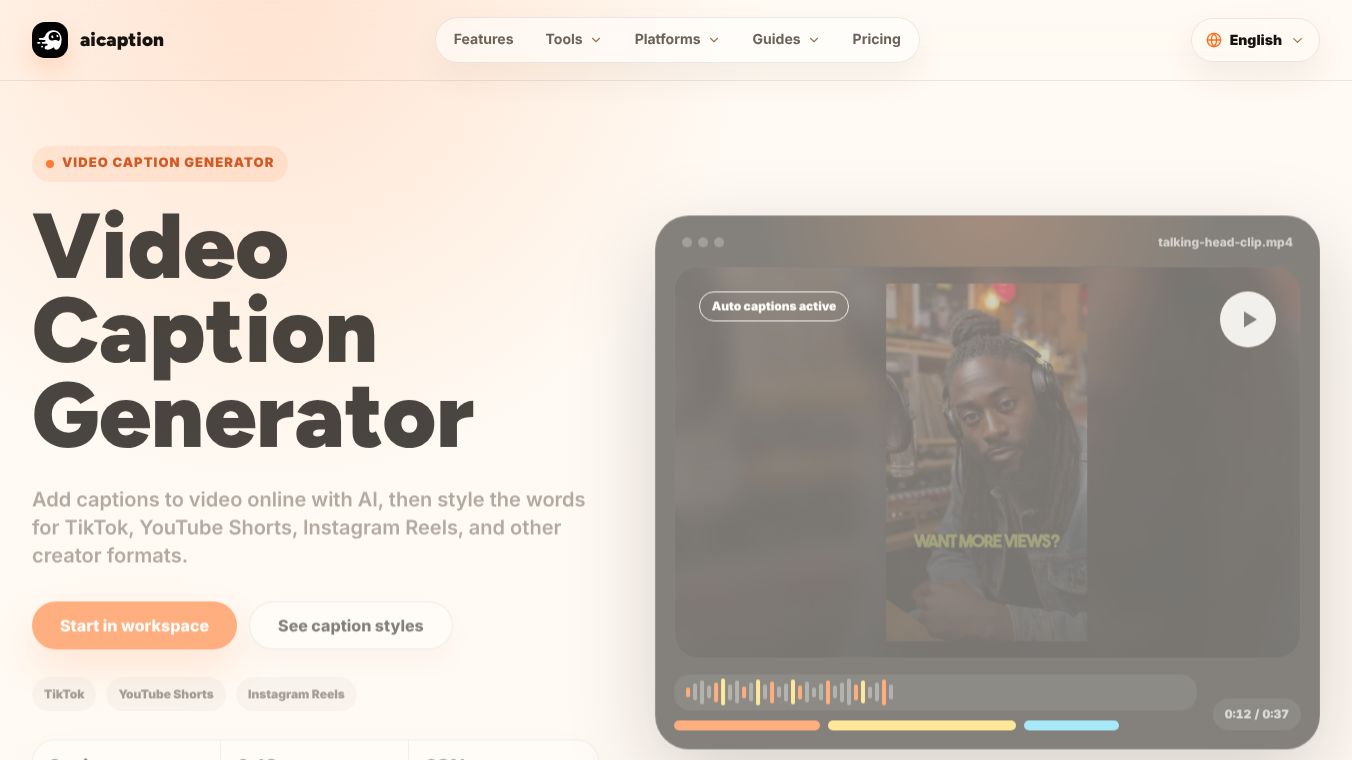





What is aicaption?
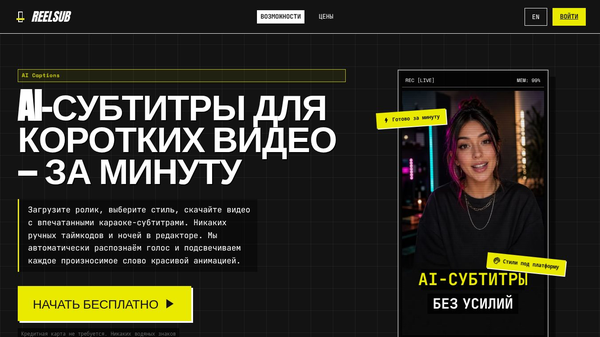
aicaption is a web-based tool that helps video creators add captions to short-form videos quickly. It uses artificial intelligence to turn spoken words into timed text automatically. Users simply upload a video file, and the tool generates subtitles that match the audio. After generating the text, creators can choose from different visual styles and download the final video ready for social media platforms like TikTok, YouTube Shorts, and Instagram Reels.
Benefits
The main advantage of aicaption is that it saves a huge amount of time. Creating captions manually is tedious and requires precise alignment of text with speech. This tool handles that heavy lifting automatically. Creators no longer need to spend hours syncing subtitles frame by frame.
Another key benefit is readability. The captions are designed specifically for mobile screens where many users watch videos without sound. The text uses high contrast and clear fonts to ensure viewers can read every word easily even on small devices.
The tool also offers customizable styles to match different content types. For example, creators can choose a bold orange style for attention-grabbing hooks on TikTok or a clean white style for professional product demos. This flexibility helps maintain a consistent brand look across various social media feeds.
Because the tool runs in a web browser, users do not need to install complex desktop software. This makes it accessible to anyone with an internet connection and allows for a faster workflow from upload to export.
Use Cases
aicaption is perfect for social media managers, content creators, and small business owners who produce short videos regularly. It is especially useful for those targeting platforms like TikTok, YouTube Shorts, and Instagram Reels where captions are essential for engagement.
Educators and tutorial creators can use the tool to add clear instructions to their explainers. The warm highlight styles work well for step-by-step guides that need to be easy to follow.
Brand managers can use the clean white style for product demonstrations to ensure their messaging looks professional and safe for all audiences.
Anyone looking to repurpose long-form content into short clips can use this tool to add necessary context and text overlays without needing advanced video editing skills.
Pricing
The service offers three main options to fit different needs. The Starter Plan is good for testing the tool with occasional videos. It allows users to upload clips, generate captions, and review recent projects.
The Creator Plan is the most popular choice for those who work on repeat projects. It includes the full range of caption styles, project history, and the ability to download the final videos.
For users who prefer flexibility without a recurring subscription, there is a Credits Plan. This option lets users pay only for the caption generation tasks they need, which is helpful for scaling up during busy campaign periods.
Vibes
Users appreciate the simplicity of the workflow. Many find the process of uploading, generating, and styling captions to be smooth and intuitive. The ability to see different style previews before exporting helps creators make confident choices without trial and error.
The tool has received positive feedback for its accuracy in speech-to-text conversion. Creators note that the automatic captions are close enough to the original audio that they only need minor adjustments. This reduces the overall editing time significantly.
The platform-specific optimizations are also well-received. Users feel that the different styles help their content stand out on specific platforms like Instagram or YouTube, making the videos more engaging for their audience.
Additional Information
aicaption operates entirely within a web browser, which removes the barrier of installing software on a computer. This cloud-based approach ensures that creators can access their tools from any device with an internet connection.
The company focuses on short-form video content, recognizing the growing trend of vertical videos on social media. By specializing in this area, the tool provides features that are tailored to the unique needs of mobile viewing rather than general video editing.
The service is not affiliated with TikTok, YouTube, or Instagram. It simply provides a tool that helps creators make content suitable for these platforms.
This content is either user submitted or generated using AI technology (including, but not limited to, Google Gemini API, Llama, Grok, and Mistral), based on automated research and analysis of public data sources from search engines like DuckDuckGo, Google Search, and SearXNG, and directly from the tool's own website and with minimal to no human editing/review. THEJO AI is not affiliated with or endorsed by the AI tools or services mentioned. This is provided for informational and reference purposes only, is not an endorsement or official advice, and may contain inaccuracies or biases. Please verify details with original sources.


Comments
Please log in to post a comment.