AI Video Subtitle Generator





Research context and background
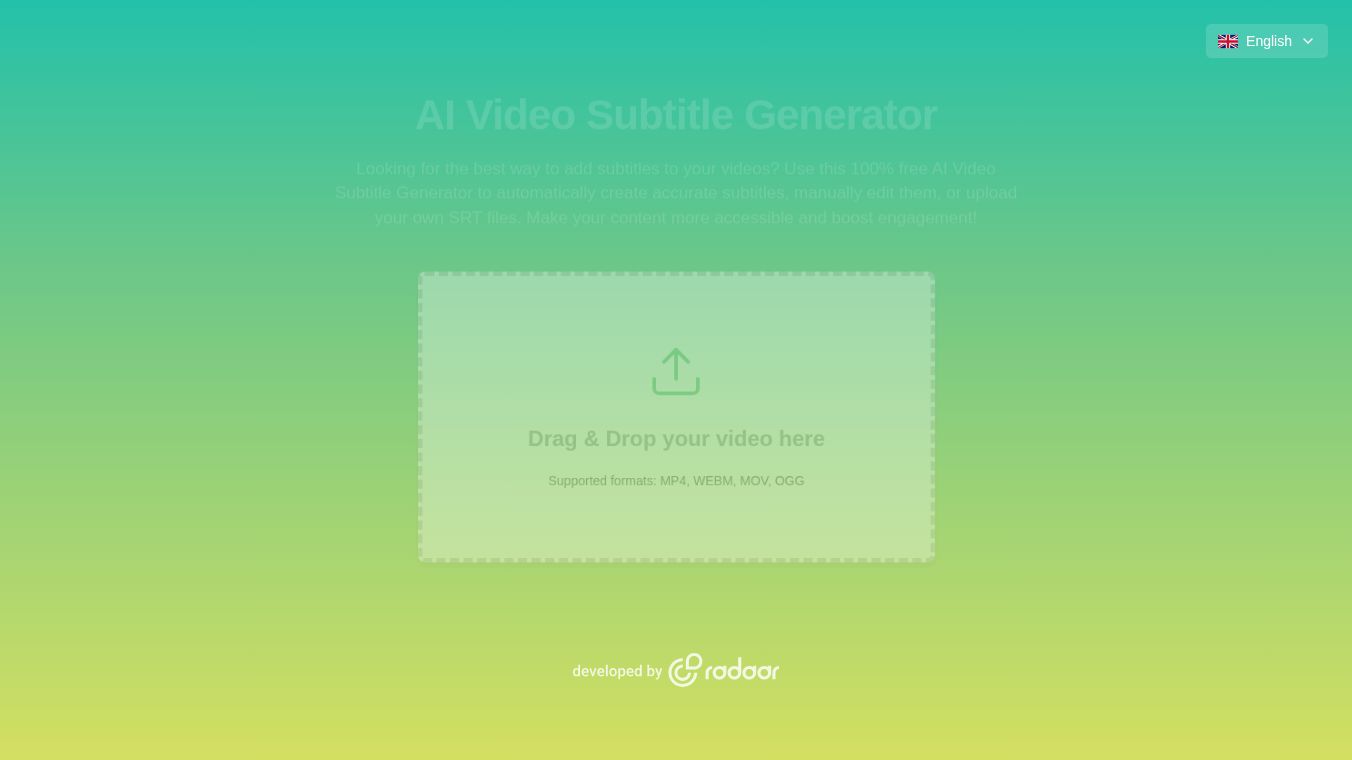
The AI Video Subtitle Generator is a digital tool designed to add text captions to video files automatically. It uses artificial intelligence to listen to the audio in a video and turn spoken words into written text. This process happens very quickly and can handle different languages and accents. The tool is built to help people make their videos more accessible and easier to watch without needing to edit the video manually.
Benefits
The main advantage of this tool is that it saves a lot of time. Creating subtitles by hand is slow and requires careful listening and typing. This generator does the work in seconds. It also helps people who have hearing difficulties by making the content accessible to everyone. Adding text to videos can also help viewers who are watching without sound, which is common on social media platforms. The tool supports many languages, so creators can reach a wider audience around the world. It also ensures that the text matches the speaker perfectly, which improves the overall quality of the video.
Use Cases
This tool is useful for many types of video creators. YouTubers can use it to add captions to their tutorials or vlogs to keep viewers engaged. Businesses can add subtitles to marketing videos to ensure their message is clear to all customers. Teachers can create educational content that is easy to follow for students in noisy classrooms or those who prefer reading. Social media managers can optimize posts for platforms like Instagram or TikTok where silent viewing is the norm. Even podcasters can turn their audio episodes into video content with automatic captions.
Pricing
The tool offers a free version that allows users to generate subtitles for short videos. This is great for testing the service or for small projects. For users who need to process longer videos or want more advanced features, there are paid plans available. These plans usually offer higher limits on video length and faster processing speeds. The pricing is designed to fit both individual creators and larger teams.
Vibes
Users generally feel positive about the tool because it is easy to use. Many people appreciate how fast it works compared to traditional methods. Some users note that the accuracy is very high, especially for clear audio. There are also comments praising the ability to choose different fonts and colors for the text to match the video style. The free tier is often highlighted as a generous option for those just starting out.
Additional Information
The tool is part of a larger suite of free online resources provided by Radaar. This platform focuses on offering practical digital tools that help people create and share content more easily. The service has gained attention for its user-friendly interface and reliable performance without requiring any software installation.
This content is either user submitted or generated using AI technology (including, but not limited to, Google Gemini API, Llama, Grok, and Mistral), based on automated research and analysis of public data sources from search engines like DuckDuckGo, Google Search, and SearXNG, and directly from the tool's own website and with minimal to no human editing/review. THEJO AI is not affiliated with or endorsed by the AI tools or services mentioned. This is provided for informational and reference purposes only, is not an endorsement or official advice, and may contain inaccuracies or biases. Please verify details with original sources.



Comments
Please log in to post a comment.