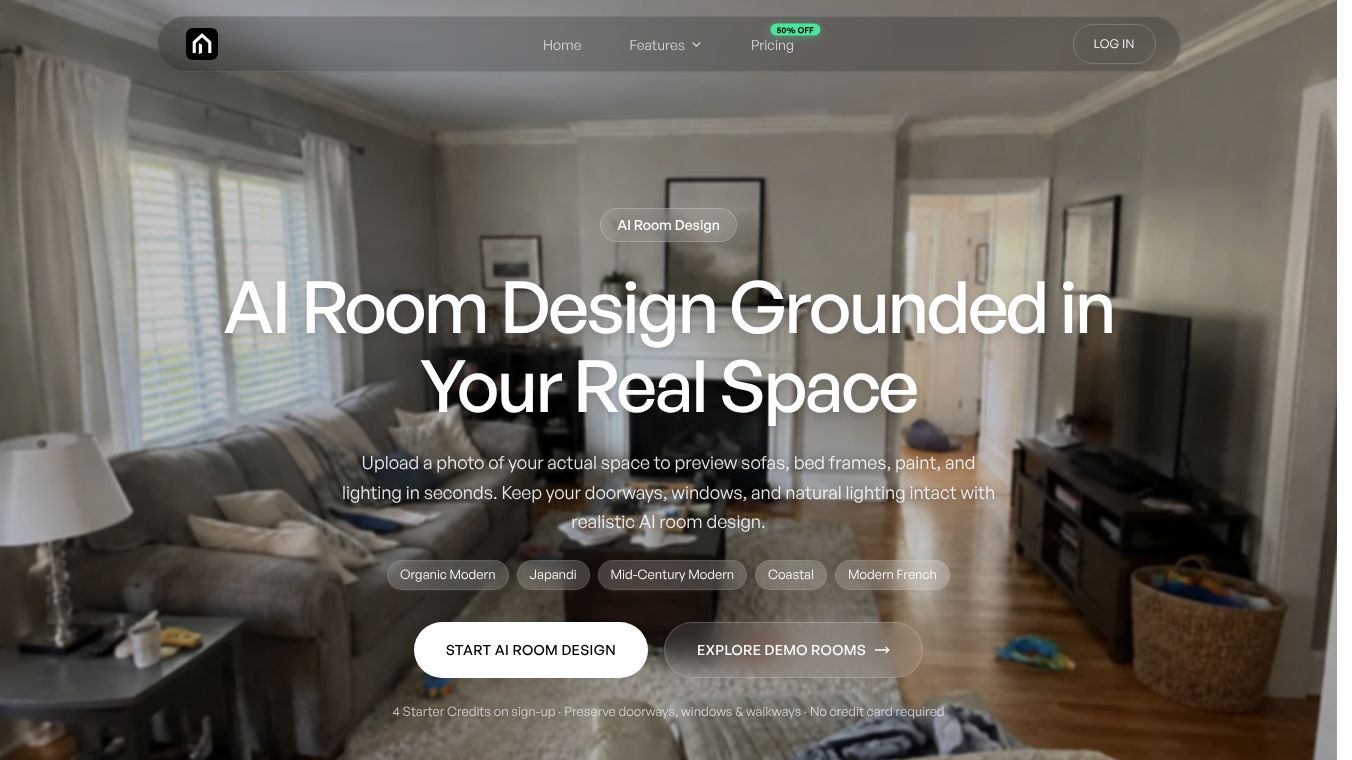





AI Room Design Tool: Visualize Your Dream Space in Seconds
AI Room Design is a smart tool that helps you see how new furniture, paint colors, and lighting will look in your actual room. Unlike other apps that might change the shape of your walls or windows, this tool keeps your real architecture exactly as it is. You simply upload a photo of your room, and the AI instantly shows you realistic designs that fit your space perfectly. This helps you avoid costly mistakes and design fatigue by letting you test styles before you buy anything.
Benefits
The main advantage of AI Room Design is that it solves common problems found in other design tools. Many generic apps create fake windows or erase doors, which makes the results look unrealistic. AI Room Design locks your layout to preserve doors, windows, and walkways. This ensures that every design idea fits your specific room structure.
Another key benefit is the ability to shop directly from the design. When you like a piece of furniture in the render, you can click on it to find similar items for sale at major retailers like The Home Depot or Wayfair. The tool also provides live pricing and budget filters so you can stay within your limits. Users can choose from three modes: keeping the current layout, doing a light refresh with new decor, or planning a major remodel while maintaining structural integrity.
Use Cases
This tool is perfect for several situations. New homeowners can use it to move from vague mood boards to clear pictures, helping the whole family agree on a style without endless arguments. Renters can upgrade their spaces without making permanent changes or risking their security deposits. They can test freestanding items like rugs and lamps to see if they work before committing.
People who are about to buy large furniture, such as sectionals or dining tables, can use the tool to verify if the pieces will actually fit in their room. It also helps interior designers and DIY enthusiasts visualize different aesthetics like Japandi, Mid-Century Modern, or Coastal styles directly on their real walls. The process is simple: upload a photo, pick a style, generate the design, and then shortlist products you want to buy.
Pricing
AI Room Design offers three subscription plans to fit different needs. The Starter plan costs $19.90 per month and includes 1,920 credits per year. This is best for people who only do occasional projects. The Pro plan is $39.90 per month and offers 5,040 credits per year. It includes both standard and ultra-high definition 4K exports with no watermarks, making it ideal for full-home design projects. The Max plan costs $69.90 per month and provides 10,800 credits per year for users who need maximum flexibility and volume.
All paid plans come with automatic refunds for failed generations and commercial use rights for the exported images. New users can try the service for free with four starter credits and no credit card required.
Vibes
Users appreciate the tool for its accuracy and ease of use. Reviews highlight how the AI respects the existing structure of a room, which builds trust in the results. People love the ability to see a before-and-after comparison side by side, which makes the transformation feel real and achievable. The privacy features are also well received, with users feeling safe knowing their home photos are encrypted and never shared publicly. The free trial allows new users to explore the capabilities without any financial risk.
Additional Information
The company prioritizes user privacy and data security. Uploaded photos are processed with enterprise-level encryption and stored privately. Images are never shared in public feeds or used for public training of the AI. Users have the option to permanently delete their photos and generated renders from the servers at any time through their dashboard. The tool supports various image formats including JPG, PNG, and WebP with a file size limit of 10MB. While the AI does a great job scaling furniture visually, users are advised to measure their wall lengths and walkway spaces manually before purchasing large items to ensure complete accuracy.
This content is either user submitted or generated using AI technology (including, but not limited to, Google Gemini API, Llama, Grok, and Mistral), based on automated research and analysis of public data sources from search engines like DuckDuckGo, Google Search, and SearXNG, and directly from the tool's own website and with minimal to no human editing/review. THEJO AI is not affiliated with or endorsed by the AI tools or services mentioned. This is provided for informational and reference purposes only, is not an endorsement or official advice, and may contain inaccuracies or biases. Please verify details with original sources.




 No Info

Comments
Please log in to post a comment.