AI Chat Exporter: Save AI Conversations





AI Chat Exporter: Save AI Conversations
Introduction
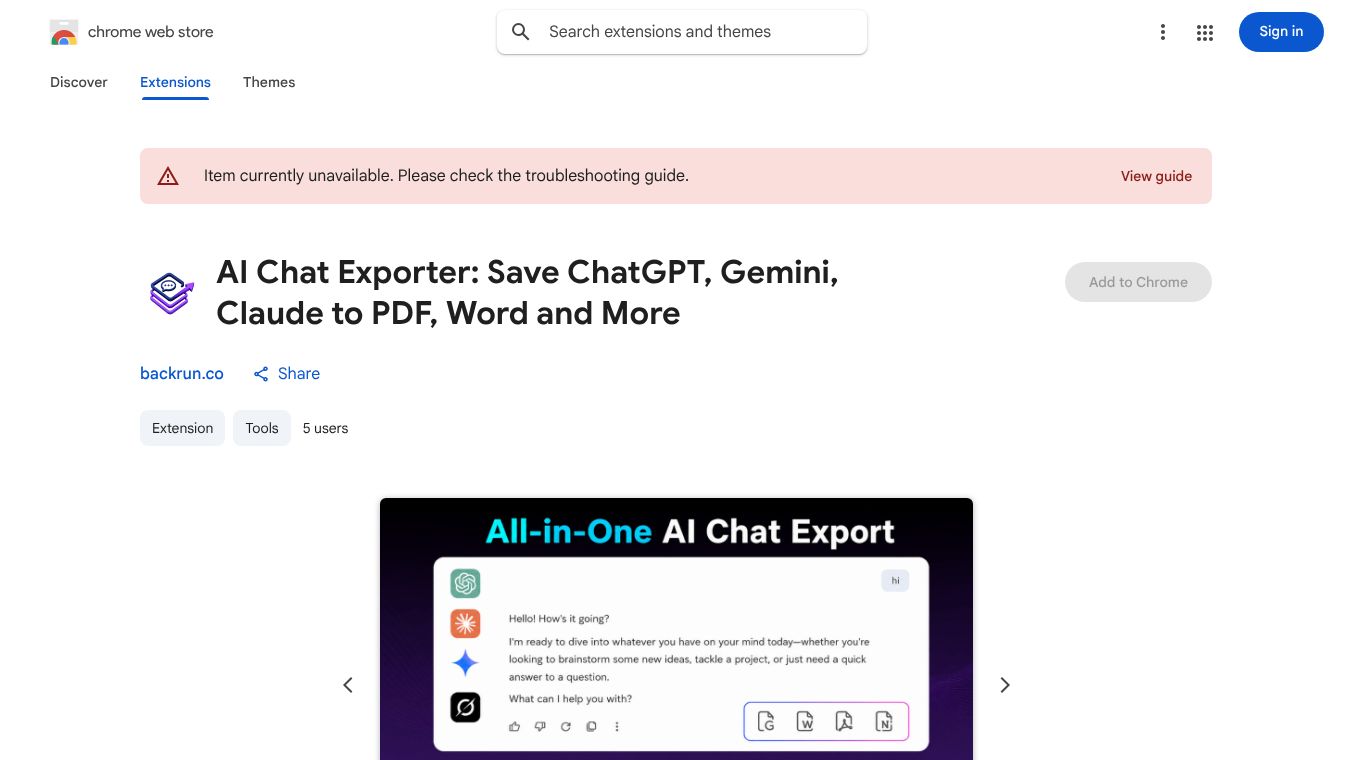
AI Chat Exporter is a browser extension that helps users save and organize their conversations with artificial intelligence tools. It works with popular platforms like ChatGPT, Gemini, and Claude. The tool allows people to turn chat history into useful files like PDFs, Word documents, or Markdown files. This makes it easy to keep important discussions safe and easy to find later.
Benefits
The main advantage of this tool is its ability to handle different file formats. Users can choose to save their chats as PDFs, Word documents, Excel sheets, or JSON files. This flexibility helps different types of users depending on what they need. The extension also supports math symbols, so formulas in chats look correct in the final file. Another key benefit is privacy. All processing happens on the user's computer. No chat data is sent to external servers unless the user chooses to save it to their own Google Drive. The tool also includes a built-in organizer that lets users create folders, add bookmarks, and save notes for each conversation.
Use Cases
This tool is perfect for students who want to save study notes from AI tutors. It is also useful for professionals who need to keep records of client meetings or project discussions. Developers can use it to export code snippets and technical documentation. Writers and creators can organize their brainstorming sessions and drafts. Researchers can collect and annotate AI responses for their projects. Anyone who wants to turn temporary chat messages into permanent, organized files will find this tool helpful. The side panel allows users to search through all their saved data at once, making it easy to find old conversations quickly.
Pricing
The tool offers a free version that allows up to five exports per day without needing an account. For users who need more, there is a premium tier. The premium plan provides unlimited exports and can be purchased as a monthly, yearly, or lifetime subscription. Access to the premium features is handled securely through a simple email sign-in process.
Vibes
While there are no specific public reviews included in the provided information, the tool is designed with user feedback in mind. It addresses common pain points like losing chat history and the difficulty of formatting AI responses. The focus on local processing and privacy suggests a strong commitment to user trust. The inclusion of features like prompt managers and note-taking shows an understanding of how people actually use AI tools in their daily work and study.
Additional Information
The extension was developed by Thanh Nguyen from Hanoi, Vietnam. The current version is 1.0.7 and was last updated in April 2026. The developer has stated clearly that they do not sell user data or use it for credit checks. The extension is small, taking up only 372 kilobytes of space. It supports all major Chromium-based browsers and offers a dark theme for comfortable reading. Users can back up all their data, including folders and prompts, as a JSON file to ensure they never lose their work.
This content is either user submitted or generated using AI technology (including, but not limited to, Google Gemini API, Llama, Grok, and Mistral), based on automated research and analysis of public data sources from search engines like DuckDuckGo, Google Search, and SearXNG, and directly from the tool's own website and with minimal to no human editing/review. THEJO AI is not affiliated with or endorsed by the AI tools or services mentioned. This is provided for informational and reference purposes only, is not an endorsement or official advice, and may contain inaccuracies or biases. Please verify details with original sources.




 No Info
Comments
Please log in to post a comment.