Agent Notch
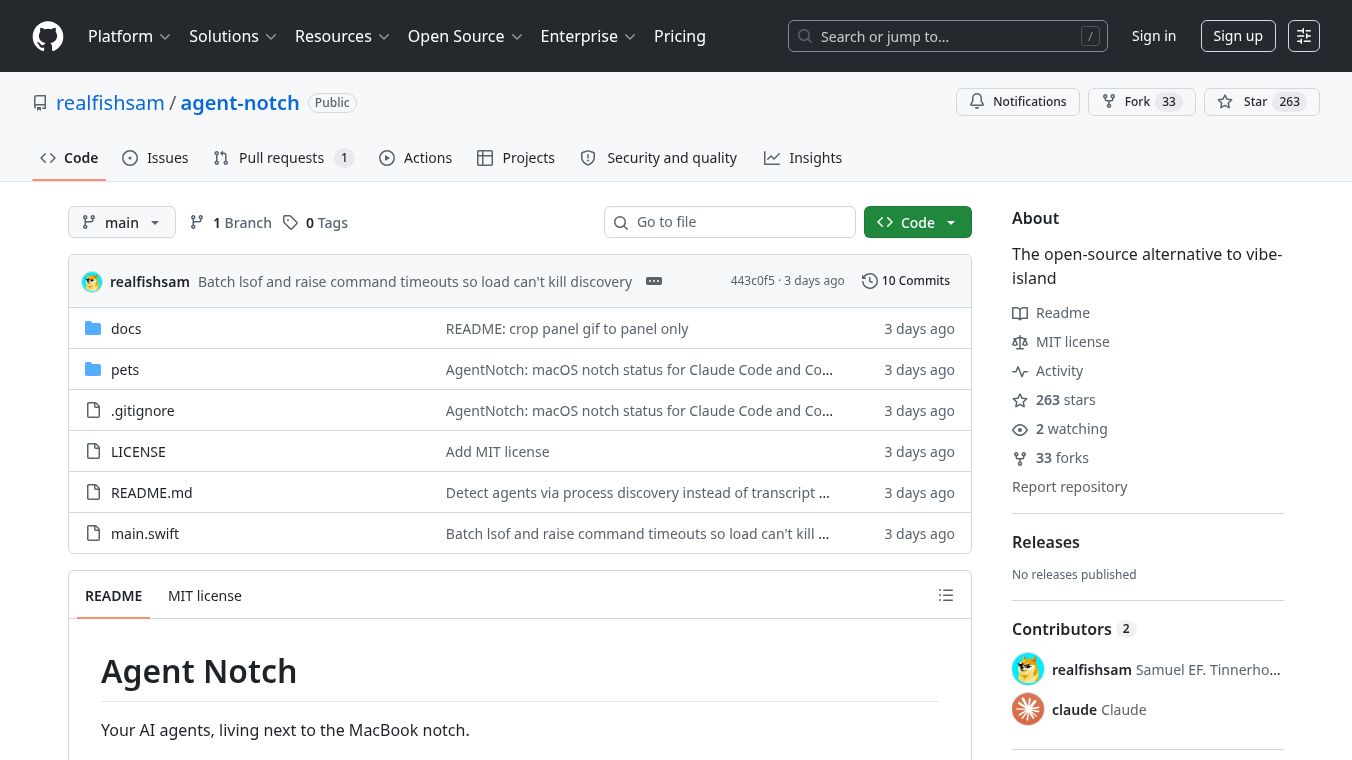





Agent Notch: A Visual Guide to Your AI Coding Work
Agent Notch is a free, open-source tool designed for Mac users who work with AI coding assistants like Claude Code and Codex. It acts as a visual helper that shows you exactly when these AI tools are working on your computer. Instead of guessing if your code is being processed, Agent Notch places a small animated character next to the notch on your MacBook screen. This character moves around while the AI is busy and turns into a green checkmark when the task is done. This simple visual cue helps users know their work is finished without needing to check their terminal window constantly.
Benefits
Agent Notch offers several advantages for developers and tech enthusiasts. First, it provides instant visual feedback. You can see at a glance if an AI agent is active or if it has completed a task. Second, it helps manage multiple sessions. If you run several coding tasks at once, the tool groups them by prompt and shows you which model is handling each one. Third, it is completely private and requires no setup. The tool does not need special permissions, API keys, or user accounts to function. It simply watches for running processes in your terminal. Finally, it is lightweight and transparent. The window it creates does not block other apps or menu items, ensuring your workflow remains smooth.
Use Cases
This tool is perfect for anyone who uses AI coding assistants on a Mac. It is especially useful for developers who run multiple coding sessions simultaneously. For example, a programmer might be running a test script while also asking the AI to write a new function. Agent Notch lets them see both tasks happening side by side. It also helps users who want to know if a long-running task has finished without interrupting their current work. By clicking the indicator, users can open a panel to see details about their sessions, such as the specific prompts used and the AI model involved. The tool works with popular terminal apps like iTerm2, Terminal, and Warp, making it easy to integrate into any coding setup.
Pricing
Agent Notch is completely free to use. It is an open-source project, which means anyone can download, build, and run it without paying any fees. There are no subscription costs or hidden charges.
Vibes
Users appreciate Agent Notch for its simplicity and effectiveness. Many find the animated mascots, such as Codex pets like Dewey or Fireball, to be a fun addition to their desktop. The green blob that appears when a task finishes is often described as a helpful "you missed this" notification. Reviewers note that the tool strikes a good balance between being informative and staying out of the way. Because it does not require complex configuration, users enjoy the ease of just compiling and running the code. The community sees it as a great alternative to other similar tools, valuing its focus on privacy and its zero-config design.
Additional Information
Agent Notch was created as an open-source alternative to a tool called vibe-island. It is built using Swift and requires macOS 12 or later to run. The project is maintained by the developer known as realfishsam on GitHub. Users can customize the animated character by changing a simple text file in their home directory. Options include various Codex pets and special states like a blue screen of death or a null signal. The tool automatically cleans up old sessions after six hours to keep the interface tidy. It polls the system every three seconds to check for active processes, ensuring it stays up to date with minimal impact on performance.
This content is either user submitted or generated using AI technology (including, but not limited to, Google Gemini API, Llama, Grok, and Mistral), based on automated research and analysis of public data sources from search engines like DuckDuckGo, Google Search, and SearXNG, and directly from the tool's own website and with minimal to no human editing/review. THEJO AI is not affiliated with or endorsed by the AI tools or services mentioned. This is provided for informational and reference purposes only, is not an endorsement or official advice, and may contain inaccuracies or biases. Please verify details with original sources.


Comments
Please log in to post a comment.